Uberblok
8.9 / 10 BenchmarkExplore ZFS internals in an interactive 3D museum

Explore ZFS internals in an interactive 3D museum
| Pricing Model | Free |
|---|---|
| Starting Price | Free |
| Free Trial | None |
| Official Pricing Tiers | View Complete Pricing Plans → |
| Ideal Audience & Best For | Systems Engineers, Storage Architects, OS Developers, Students |
| API & Integrations | REST API & Webhooks Ready |
| Community Upvotes | ▲ 47 votes by verified community members |
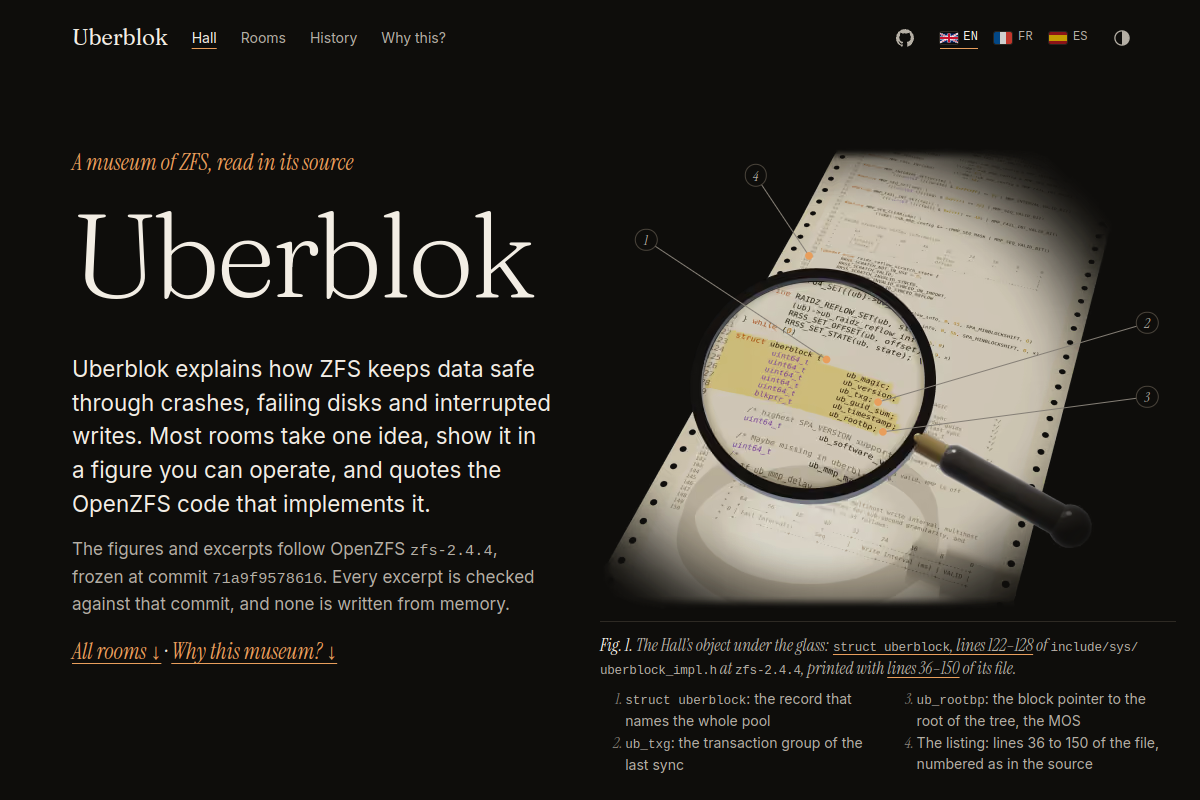
Uberblok is a web‑based visualization platform that maps the core ZFS architecture—particularly the uberblock ring, transaction groups, and block pointer tree—into an interactive 3D environment. It solves the problem of demystifying complex file‑system internals for developers and sysadmins by providing a live, navigable model of how ZFS achieves crash consistency, data integrity, and efficient storage allocation.
The interface offers a real‑time 3D view of the uberblock ring, with keyboard controls for rotation and zoom, and overlays that display transaction group numbers, root block pointers, and disk sector sizes. Users can drill into individual blocks, view checksum and copy‑on‑write operations, and step through snapshot lifecycles, all rendered directly from the current ZFS source code. The platform is purely client‑side, leveraging WebGL and modern JavaScript to deliver a responsive, zero‑install experience.
Targeted at systems engineers, storage architects, OS developers, and advanced students, Uberblok accelerates learning by reducing the cognitive load of understanding ZFS’s data structures. By visualizing the entire pool state in seconds, it cuts research time from days to minutes, enabling teams of 1–5 to prototype and debug storage designs without setting up a full ZFS environment.
Uberblok is a browser‑based interactive museum that visualizes the internal structures of the ZFS file system. It renders the uberblock ring, transaction groups, block pointers, and vdev layouts in 3D using WebGL, allowing users to rotate, zoom, and inspect each component in real time. The data is derived from the current OpenZFS source code, so the visuals stay up‑to‑date with the latest releases.
Uberblok is completely free to use; there is no paid tier or trial period. The entire application runs client‑side in the browser, so you can access it immediately without any registration.
Uberblok is ideal for systems engineers, storage architects, OS developers, and advanced students who need to understand or teach the inner workings of ZFS. It is also useful for researchers and educators who want a visual aid for explaining concepts like copy‑on‑write, checksums, and snapshot lifecycles.
Uberblok is a standalone web application that runs in any modern browser with WebGL support (Chrome, Firefox, Edge, Safari). It does not integrate with external APIs or services, but it can be embedded in educational portals or documentation sites via an iframe.