Free design canvas for your AI (open...
9.0 / 10 BenchmarkFree collaborative canvas where humans and AI co‑create UI mockups in real time

Free collaborative canvas where humans and AI co‑create UI mockups in real time
| Pricing Model | Free |
|---|---|
| Starting Price | Free |
| Free Trial | None |
| Official Pricing Tiers | View Complete Pricing Plans → |
| Ideal Audience & Best For | UI/UX Designers, Product Managers, AI Prompt Engineers, Startup Founders |
| API & Integrations | REST API & Webhooks Ready |
| Community Upvotes | ▲ 21 votes by verified community members |
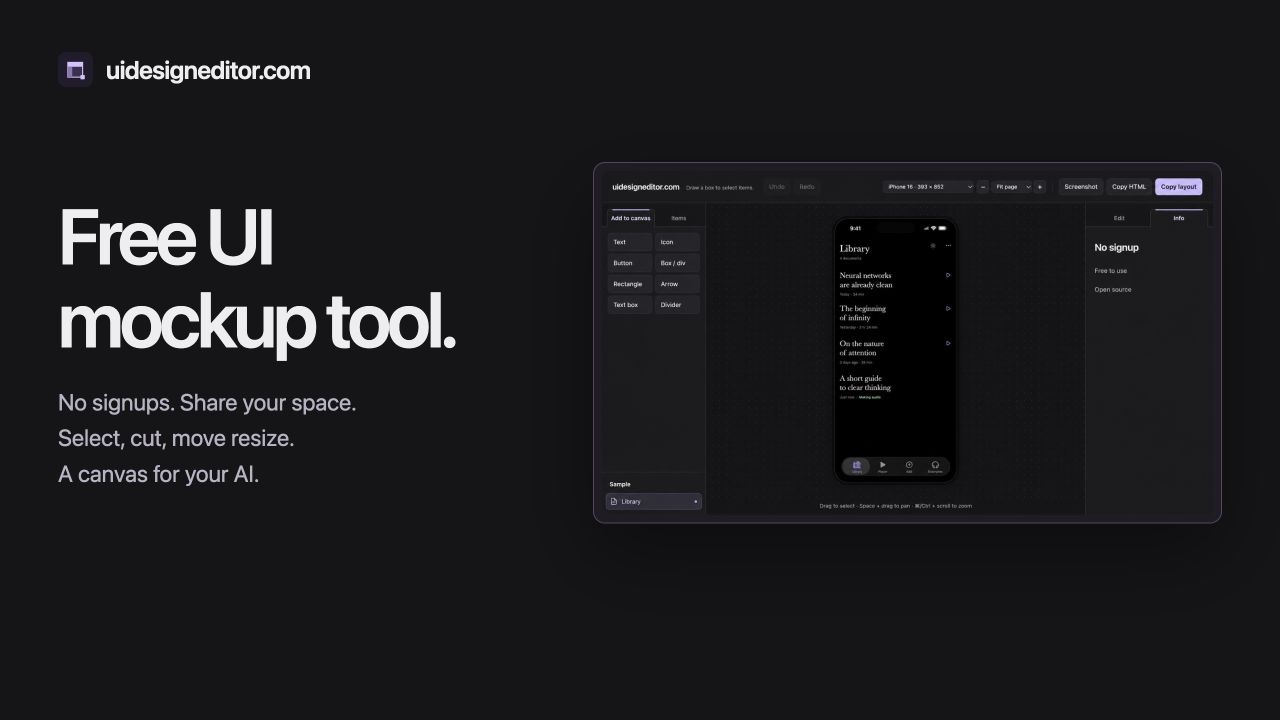
UI Design Editor is a browser‑based, zero‑install canvas built on a lightweight JavaScript rendering engine that syncs design state through a central server. It solves the friction of hand‑off between AI assistants and designers by exposing a shared “Space” URL that both parties can read, edit, and version‑control without sign‑ups.
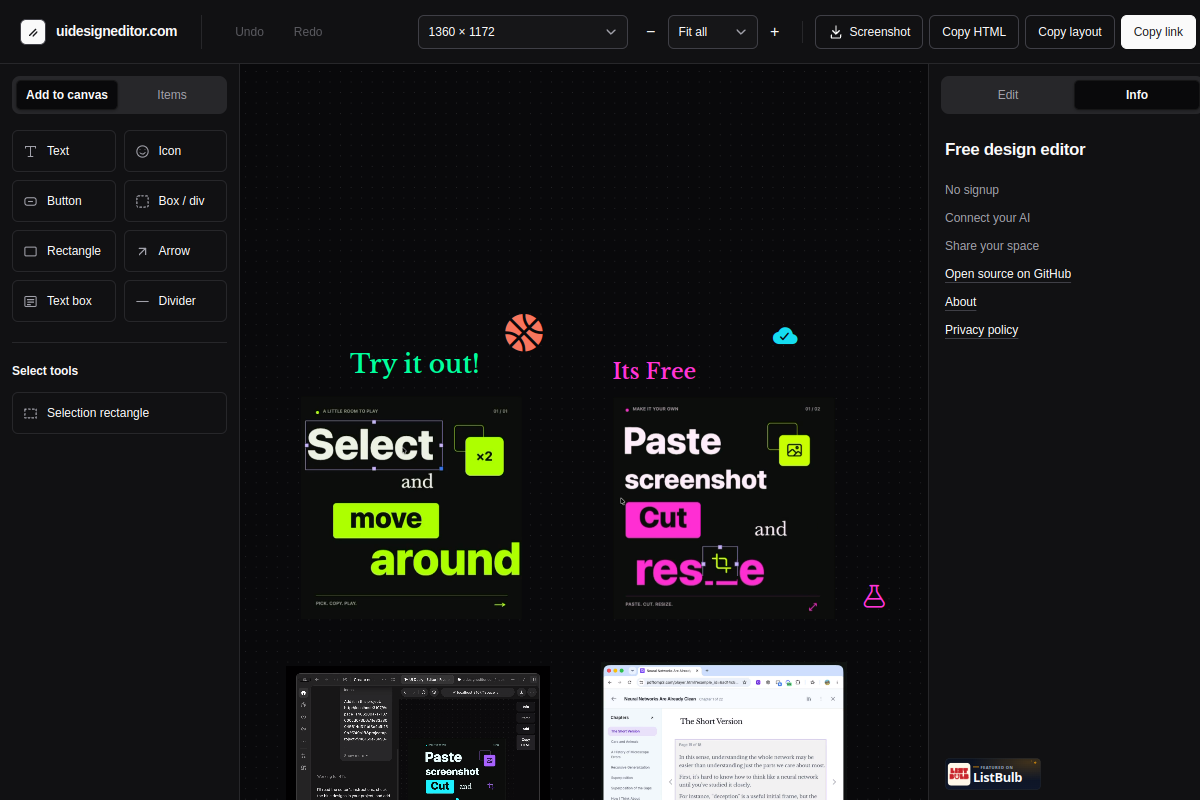
The tool offers a palette of vector shapes, icons, text blocks, and image layers that can be manipulated via drag‑and‑drop or through structured API calls (e.g., `edit_design`, `create_design`). AI integrations invoke these calls to add, move, resize, or restyle elements, while the UI reflects changes instantly for human collaborators. Exports include HTML, PNG, and JSON layout snapshots, enabling downstream hand‑off to developers.
Ideal for UI/UX designers, product managers, and AI developers building prototype‑by‑prompt workflows. Teams save up to 70% of iteration time by eliminating manual redraws, and the free tier scales to unlimited projects for small‑to‑medium teams (up to ~20 concurrent editors).
UI Design Editor is a free, web‑based design canvas that lets humans and AI assistants edit UI mockups together. Users share a Space URL; the tool syncs all changes in real time. AI can call built‑in commands (e.g., `edit_design`) to add or modify elements, while the UI instantly reflects those updates.
The product is completely free with no paid tiers or trial periods. All features, including unlimited projects and exports, are available to any user without a credit card.
It targets UI/UX designers, product managers, AI prompt engineers, and early‑stage startups that need a fast, collaborative way to prototype interfaces and let LLMs generate or modify designs on the fly.
Currently it runs as a Web App in any modern browser. It offers a REST‑style command interface that can be called from any LLM or automation script. Exports integrate with codebases via HTML, PNG, or JSON layout files.