TowerPanic
8.9 / 10 BenchmarkInstant browser‑based party game for families—no installs, no ads, no strangers.

Instant browser‑based party game for families—no installs, no ads, no strangers.
| Pricing Model | Paid |
|---|---|
| Starting Price | $4.99 (one‑time) |
| Free Trial | 14-Day Free Trial |
| Official Pricing Tiers | View Complete Pricing Plans → |
| Ideal Audience & Best For | Families, Parents, Teachers, Small Event Organizers, Remote Party Hosts |
| API & Integrations | REST API & Webhooks Ready |
| Community Upvotes | ▲ 14 votes by verified community members |
**Technical architecture & problem solved**
TowerPanic is a lightweight Web‑GL/HTML5 single‑page application hosted on a scalable cloud server (AWS/Heroku). It eliminates the friction of app downloads and matchmaking services, solving the classic “setup time” problem for in‑person and remote family game nights.
**Core workflows & integrations**
A host signs in with Google, creates a private game link, and shares a QR code or URL. Up to 10 players join instantly on any device (phone, tablet, laptop) by typing a name—no accounts, no chat. The game runs entirely client‑side with real‑time state sync via WebSockets; payments are processed through Stripe for a one‑time fee, and no third‑party ads or in‑game purchases are injected.
**Target audience & ROI**
Designed for families, teachers, and small event organizers who need a quick, safe, and ad‑free multiplayer experience. A typical 10‑minute round replaces costly board‑game purchases and setup, delivering measurable time savings of 15‑20 minutes per gathering and increasing engagement for groups of 4‑10 participants.
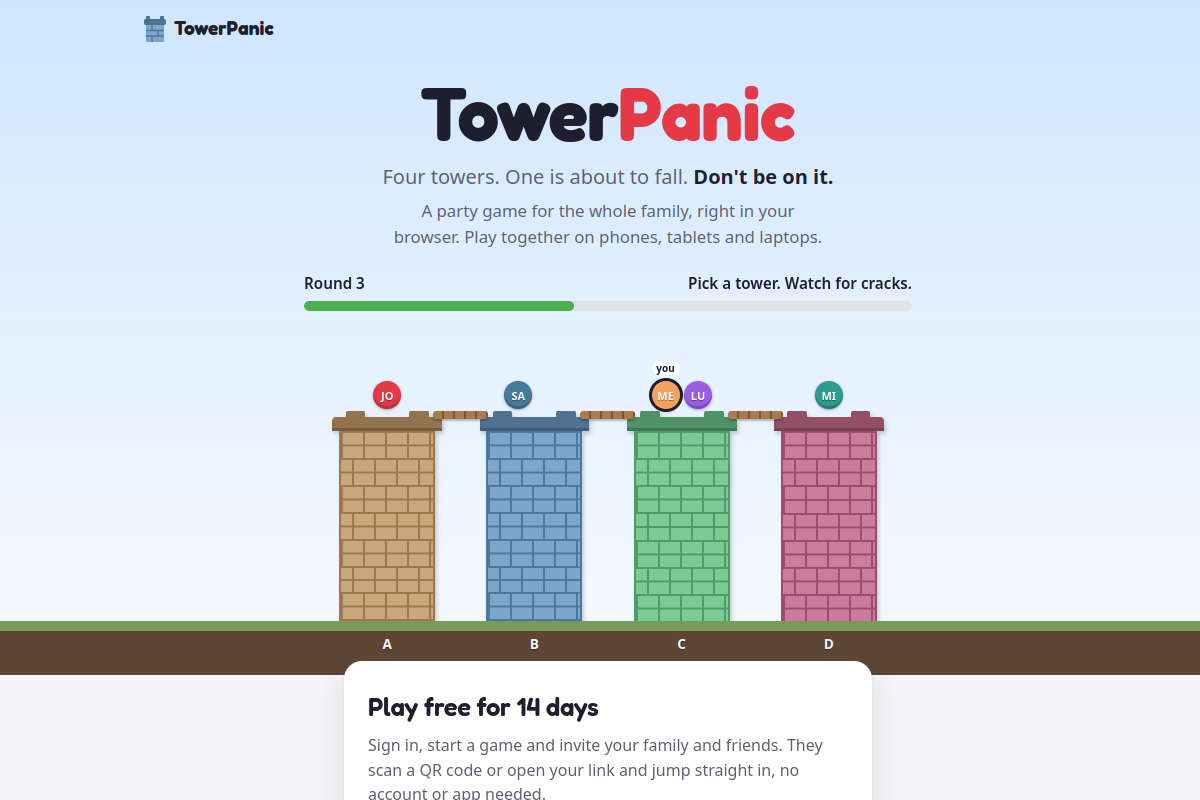
TowerPanic is a browser‑based multiplayer party game where up to 10 players choose towers, watch for cracks, and try to avoid the collapsing tower. A host creates a private game link, shares it via QR code or URL, and players join instantly without accounts.
The first 14 days are completely free. After the trial, a single one‑time payment of $4.99 unlocks unlimited play—there are no recurring subscriptions or hidden fees.
Families with children, teachers running classroom activities, and anyone hosting small virtual or in‑person parties who want a quick, safe, ad‑free multiplayer experience.
TowerPanic runs in any modern web browser (Chrome, Safari, Edge, Firefox) on phones, tablets, laptops, and desktops. It integrates with Google for host authentication and Stripe for payment processing; game links can be shared via QR code, WhatsApp, SMS, or email.