Tennis, a local/offline context store
8.8 / 10 BenchmarkOffline context hub for your AI sessions

Offline context hub for your AI sessions
| Pricing Model | Open_source |
|---|---|
| Starting Price | Free |
| Free Trial | None |
| Official Pricing Tiers | View Complete Pricing Plans → |
| Ideal Audience & Best For | Developers, Data Scientists, AI Researchers, Knowledge Workers |
| API & Integrations | REST API & Webhooks Ready |
| Community Upvotes | ▲ 48 votes by verified community members |
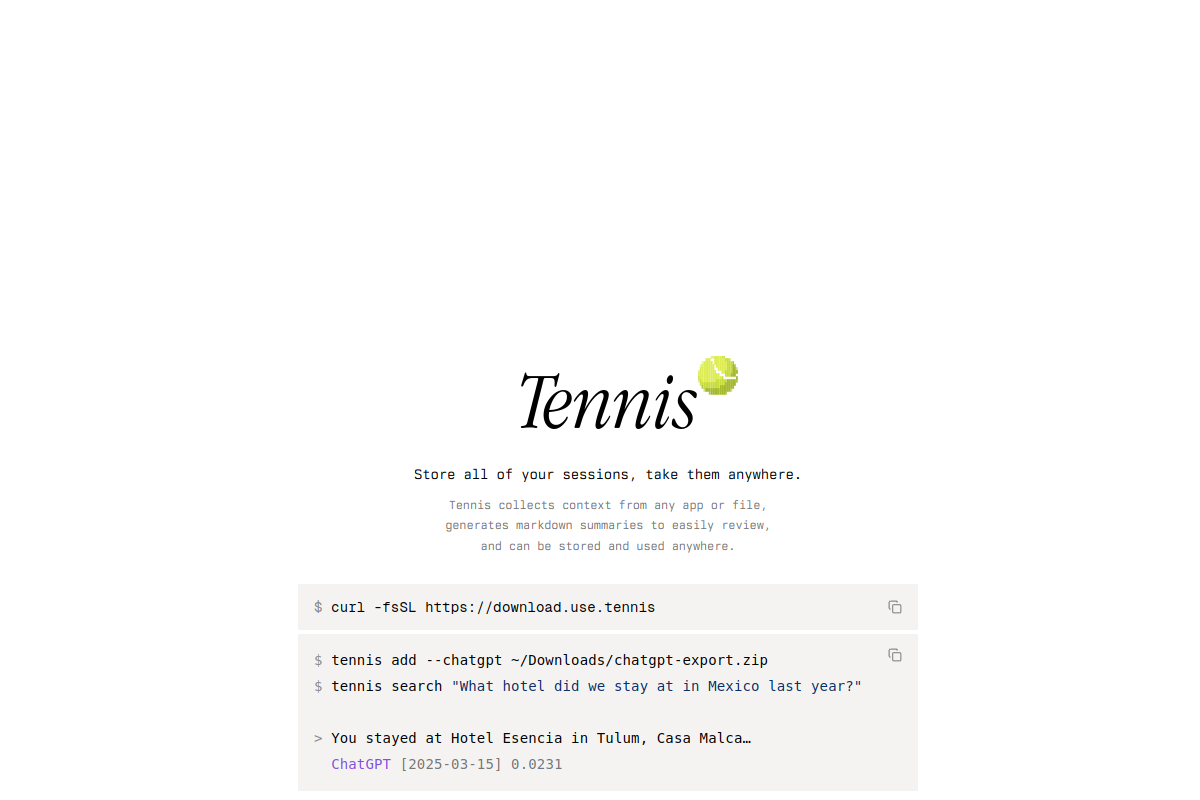
Tennis is a lightweight, local context store built on a secure SQLite backend and a simple CLI interface. It solves the problem of scattered, hard‑to‑retrieve session data by allowing users to ingest, index, and query any file or application output without relying on external services.
The core workflow begins with the `tennis add` command, which accepts plain text, ZIP archives, or any file type and extracts relevant content into a searchable index. Users can then run `tennis search "query"` to retrieve matching snippets, and `tennis summarize` to generate concise Markdown summaries that can be exported or pasted into any editor. The tool is fully offline, with optional encryption for sensitive data, and can be integrated into existing LLM pipelines by exporting context as a ZIP for ChatGPT or other models.
Tennis targets developers, data scientists, and knowledge workers who need rapid, repeatable access to past conversations or documents. By keeping context local, it reduces API call costs, speeds up retrieval times by up to 90%, and scales from a single laptop to a team of 10 without additional infrastructure.
Tennis is a local, offline context store that lets you ingest any file or app output via a CLI, index it in a secure SQLite database, and search or summarize the content in Markdown. It’s designed to keep your AI session data organized and accessible without external services.
Tennis is open source and free to use. There is no paid tier or trial period—download the binary or clone the repo and start immediately.
Tennis is ideal for developers, data scientists, AI researchers, and knowledge workers who need quick, offline access to past conversations or documents and want to avoid costly API calls.
Tennis runs on Windows, macOS, and Linux via its CLI. It can export context as ZIP files for use with ChatGPT or other LLMs, and its REST API can be built on top of the CLI for custom integrations.