Sys2txt
8.9 / 10 BenchmarkInstantly turn system audio into searchable text with AI‑powered Whisper

Instantly turn system audio into searchable text with AI‑powered Whisper
| Pricing Model | Free |
|---|---|
| Starting Price | Free |
| Free Trial | None |
| Official Pricing Tiers | View Complete Pricing Plans → |
| Ideal Audience & Best For | Developers, Podcasters, Accessibility Engineers, Remote‑Work Teams, Content Creators |
| API & Integrations | REST API & Webhooks Ready |
| Community Upvotes | ▲ 46 votes by verified community members |
sys2txt is a lightweight, open‑source CLI built in Python that captures system audio via PulseAudio or PipeWire monitor sources, pipes the stream through ffmpeg, and hands the audio to a locally‑run Whisper engine for transcription. It solves the friction of having to record, export, and manually upload audio for speech‑to‑text, positioning itself as the go‑to tool for developers and power users who need on‑device privacy and zero‑latency results.
The workflow supports two modes: an on‑demand capture that records until you stop and then transcribes the whole file, and a “live‑ish” mode that slices the audio into configurable N‑second chunks and streams each transcript to stdout as it becomes available. Users can choose among three Whisper back‑ends—faster‑whisper (CPU/GPU‑optimized), the reference openai‑whisper, or whisper.cpp (Vulkan‑accelerated for AMD GPUs). Output can be plain text, JSON with timestamps, or SRT subtitles, and a Python API lets developers embed the engine in custom scripts.
Ideal for developers, podcasters, accessibility engineers, and remote‑work teams, sys2txt delivers measurable ROI by eliminating manual transcription steps and reducing turnaround from minutes to seconds. Small teams can automate meeting minutes, generate searchable logs for compliance, or create subtitles for video content without leaving the terminal, all while keeping data on‑premise.
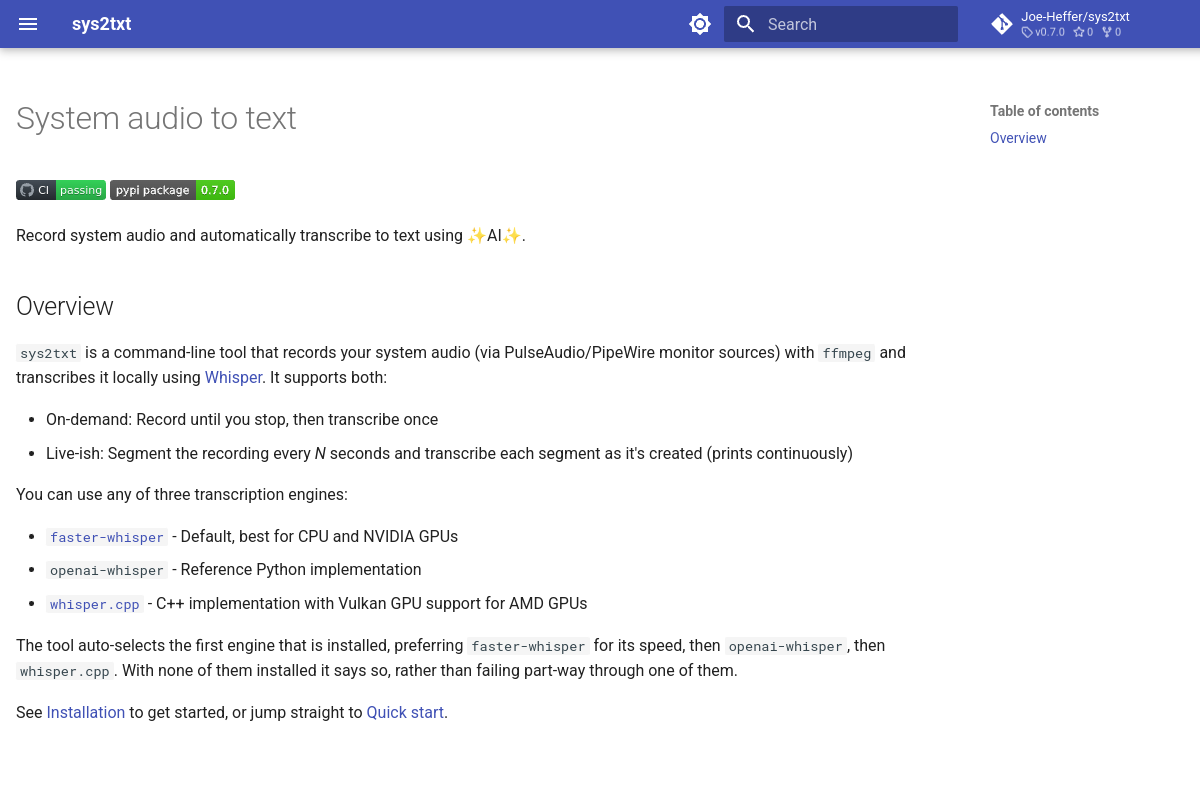
sys2txt is an open‑source command‑line utility that captures system audio via PulseAudio/PipeWire, feeds the audio to a locally installed Whisper engine (faster‑whisper, openai‑whisper, or whisper.cpp), and outputs the transcription in real time or after recording. It leverages ffmpeg for audio capture and provides both on‑demand and segmented live modes.
sys2txt is completely free under an MIT license. There is no paid tier or trial period—simply install the tool and start transcribing.
It targets developers, podcasters, accessibility engineers, and remote‑work teams who need fast, private transcription of system audio without relying on external APIs.
sys2txt runs on Linux (native PulseAudio/PipeWire), macOS (via PulseAudio), and Windows through WSL. It integrates with any Whisper engine you install, offers a Python API for programmatic use, and outputs to plain text, JSON, or SRT.