Solarite
8.9 / 10 BenchmarkA 12.7KB library for native web components with explicit rendering and zero build steps.

A 12.7KB library for native web components with explicit rendering and zero build steps.
| Pricing Model | Open_source |
|---|---|
| Starting Price | Free |
| Free Trial | MIT License |
| Official Pricing Tiers | View Complete Pricing Plans → |
| Ideal Audience & Best For | Frontend Developers, Performance Engineers, Library Authors, Minimalist Web Developers |
| API & Integrations | REST API & Webhooks Ready |
| Community Upvotes | ▲ 12 votes by verified community members |
Solarite is a lightweight, dependency-free JavaScript library designed to simplify the creation of native web components without the overhead of traditional frameworks. It addresses the complexity of modern frontend tooling by eliminating build steps, proxies, and reactive signals, offering a transparent, class-based architecture that prioritizes developer control and performance. Positioned as a micro-library rather than a full framework, it allows developers to integrate component logic directly into vanilla JavaScript environments or alongside existing frameworks.
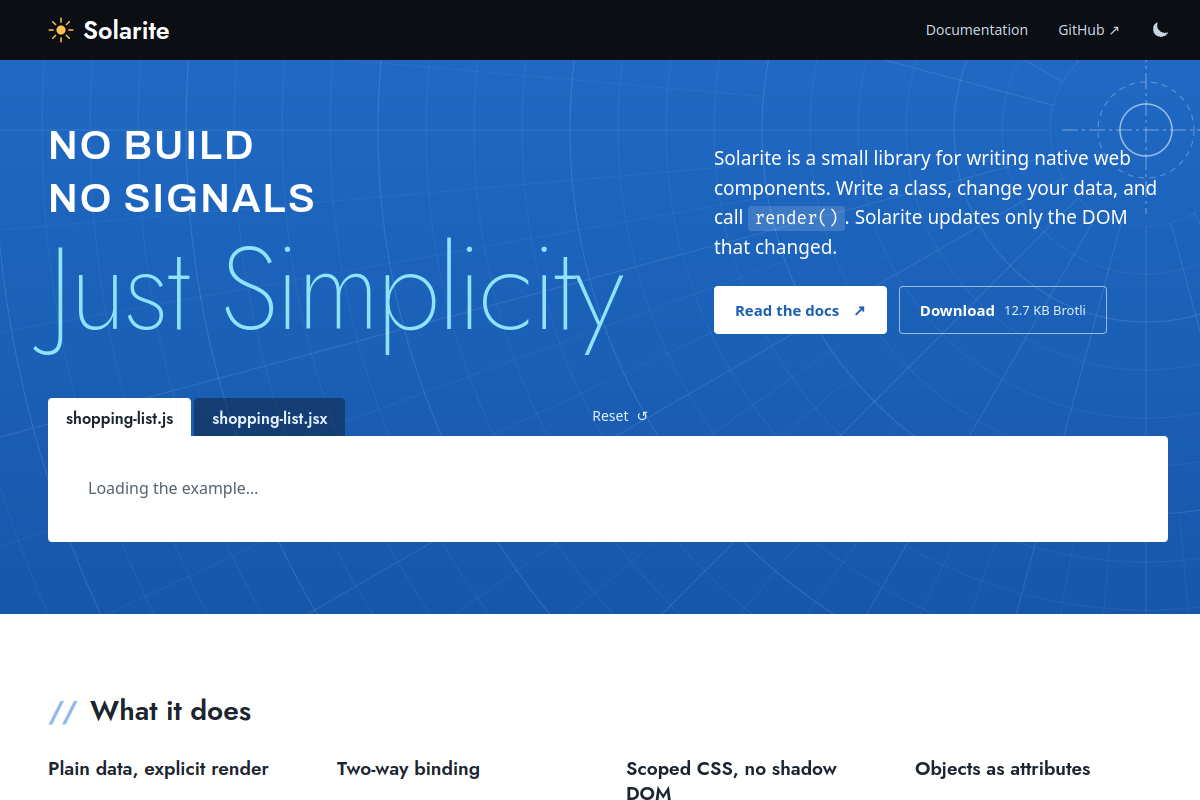
The core workflow involves writing a class, mutating plain data objects, and explicitly calling `render()` to update only the changed DOM nodes. Solarite supports two-way binding via object references, scoped CSS without Shadow DOM limitations, and direct DOM access through `data-id` attributes. It includes optional JSX and TypeScript support, though these require a build step, while the core library remains build-free. The library achieves a js-framework-benchmark score of 1.08, outperforming vanilla JavaScript and rivaling high-performance frameworks like Solid and Svelte.
Solarite is ideal for performance-focused developers, library authors, and teams seeking to reduce bundle size and cognitive load in frontend applications. By removing the abstraction layers of signals and proxies, it enables faster debugging and more predictable state management. It is best suited for small to medium-sized projects, micro-frontends, or specific component libraries where explicit control over rendering cycles is preferred over automatic reactivity.
Solarite is a small library for writing native web components. It uses a class-based approach where you define your component logic, mutate plain data objects, and explicitly call `render()` to update the DOM. It only updates the parts of the DOM that have changed, ensuring high performance without the complexity of reactive signals.
Solarite is open-source and free to use under the MIT license. There are no costs associated with using the library, and it can be installed via npm, CDN, or other package managers.
Solarite is best suited for developers who prefer explicit control over rendering, want to avoid build steps, and are looking for a lightweight alternative to heavy frameworks. It is ideal for performance-focused projects, library authors, and teams that value simplicity and transparency in their frontend stack.
Solarite is a standalone JavaScript library that can be used in any web environment. It supports installation via npm, CDN, Bun, and Deno. It can be used in plain HTML pages or integrated with other frameworks, and it offers optional support for JSX and TypeScript.