Scriber-Pro 2.0, a Mac app that tran...
8.9 / 10 BenchmarkFast, offline transcription of web videos and streams on macOS

Fast, offline transcription of web videos and streams on macOS

| Pricing Model | Paid |
|---|---|
| Starting Price | $3.99 (one‑time) |
| Free Trial | None |
| Official Pricing Tiers | View Complete Pricing Plans → |
| Ideal Audience & Best For | Educators, Researchers, Journalists, Podcasters, Remote Knowledge Workers |
| API & Integrations | REST API & Webhooks Ready |
| Community Upvotes | ▲ 40 votes by verified community members |
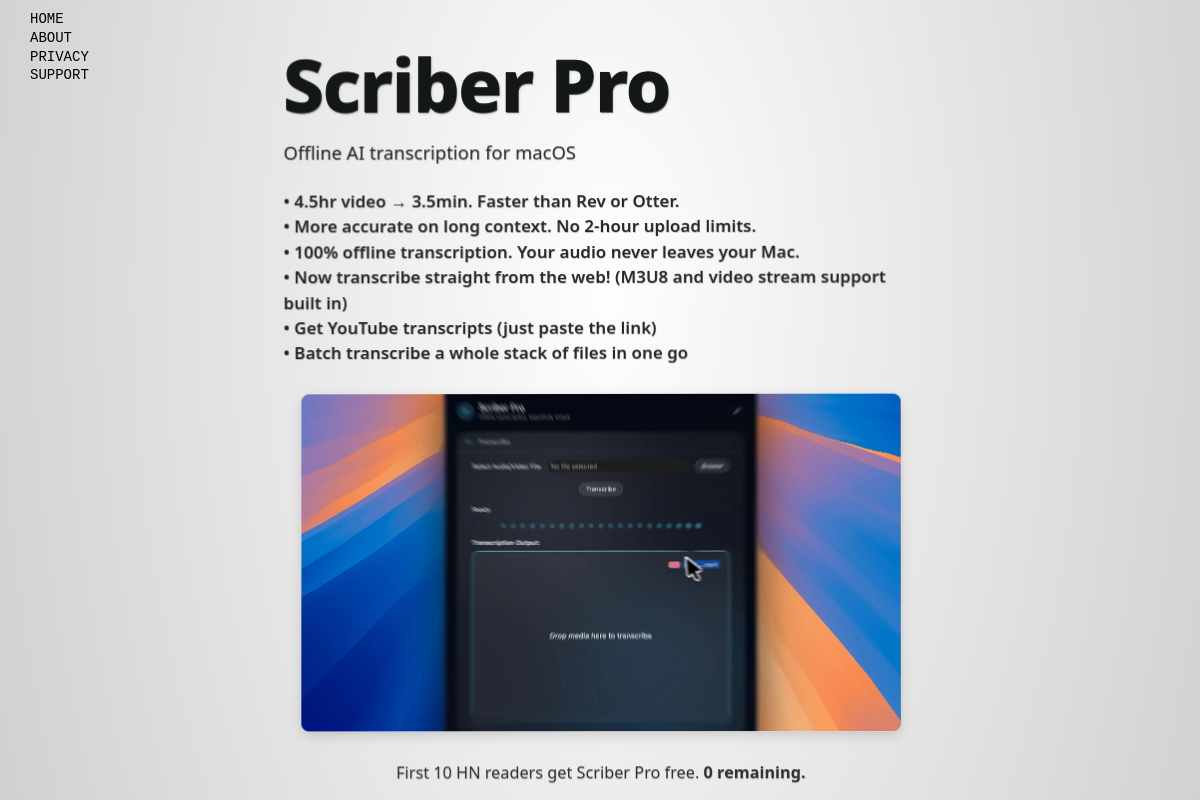
**Technical Architecture & Problem**: Scriber Pro is a native macOS application built with Swift and leverages the open‑source Whisper model for on‑device speech‑to‑text. It solves the pain point of extracting audio from HLS (M3U8) streams and online videos without needing third‑party downloaders or cloud services, keeping the entire workflow local and privacy‑first.
**Core Workflows & Integrations**: Users paste a page URL, and Scriber automatically discovers the underlying M3U8 stream, pulls the audio, and runs Whisper locally to generate a transcript. It also supports direct YouTube links and local media files (MP3, WAV, MP4, MOV, M4A, FLAC). Transcripts are saved in a searchable iCloud‑synced library and can be exported as DOCX, TXT, Markdown, or RTF. No external APIs are called; all processing runs on the Mac’s CPU/GPU.
**Target Audience & ROI**: Ideal for educators, researchers, journalists, podcasters, and remote workers who need rapid, accurate transcripts without internet constraints. Users report up to 80% time savings versus manual note‑taking or cloud services, with a single $3.99 purchase eliminating recurring fees.
Scriber Pro is a macOS app that extracts audio from HLS (M3U8) streams, YouTube links, or local media files and runs the open‑source Whisper model locally to produce a text transcript. All processing happens on your Mac, keeping data private.
Scriber Pro is sold as a one‑time purchase for $3.99 on the Mac App Store. There is no free trial, but the price includes all future updates.
It’s ideal for educators, researchers, journalists, podcasters, and anyone who needs fast, accurate transcripts of web videos or streams without relying on cloud services.
Scriber Pro runs exclusively on macOS. It integrates with iCloud for library sync and can export transcripts to DOCX, TXT, Markdown, and RTF. It works with YouTube URLs, any M3U8/HLS stream, and common audio/video file formats.