Rhubarb
8.7 / 10 BenchmarkAI-powered data viz that turns raw data into interactive charts instantly.

AI-powered data viz that turns raw data into interactive charts instantly.
| Pricing Model | Free |
|---|---|
| Starting Price | Free |
| Free Trial | Limited Demo (7h) |
| Official Pricing Tiers | View Complete Pricing Plans → |
| Ideal Audience & Best For | Data Analysts, Product Managers, Marketers |
| API & Integrations | REST API & Webhooks Ready |
| Community Upvotes | ▲ 35 votes by verified community members |
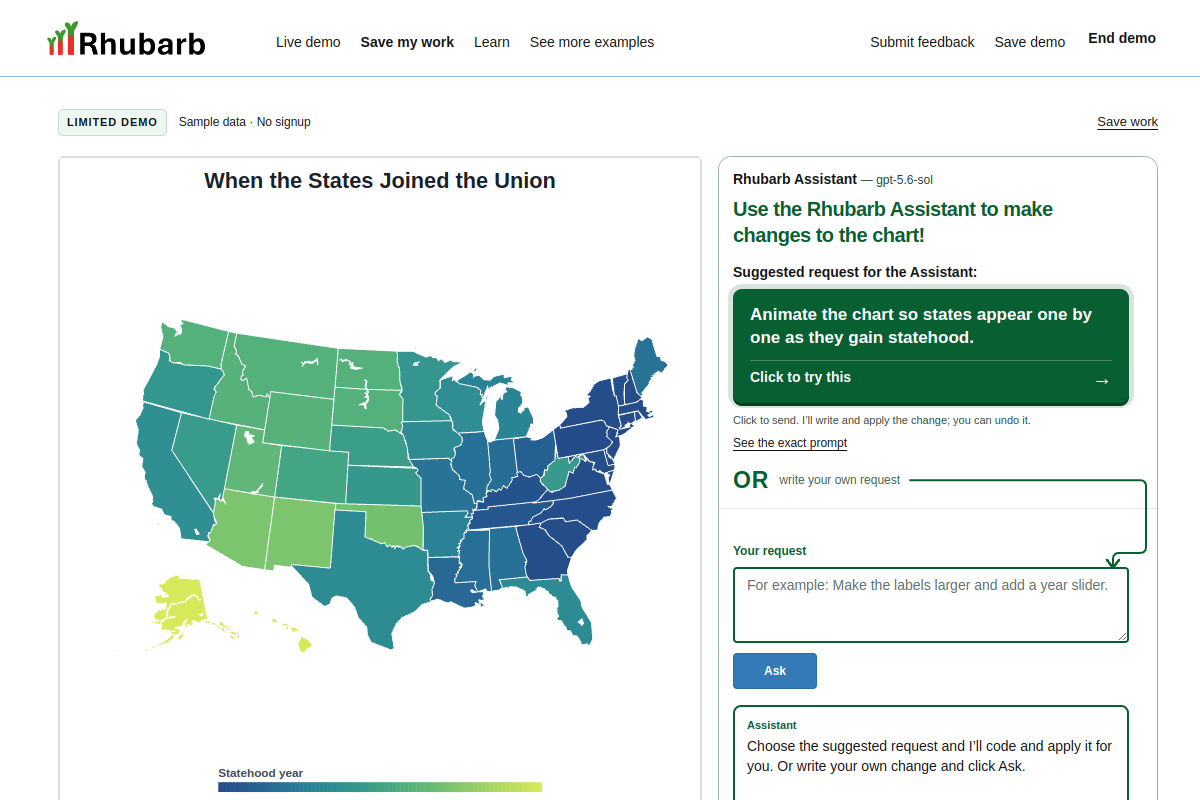
Rhubarb is a web-based AI assistant that parses natural language prompts and generates code for modern chart libraries such as D3.js and Plotly, solving the friction of manual coding for data visualization.
Users upload sample CSV or JSON data, pick a suggested visualization, and Rhubarb instantly renders an interactive chart while outputting the underlying code. The platform integrates with a configured AI provider (e.g., OpenAI) to interpret prompts, and operates entirely within a temporary 7‑hour workspace that requires no login or credit card.
Designed for data analysts, product managers, and marketers, Rhubarb cuts prototype time from hours to minutes, enabling teams of 1–10 to iterate quickly on dashboards and reports without a dedicated data engineer.
Rhubarb is a web-based AI assistant that lets users upload data, describe the desired visualization in plain language, and instantly generates code for interactive charts using libraries like D3.js or Plotly. It runs entirely in a temporary workspace, so no login or credit card is required.
Rhubarb is free to use. The demo is limited to a 7‑hour session with sample data; there is no separate paid tier or extended trial.
Rhubarb is ideal for data analysts, product managers, marketers, and anyone who needs to quickly prototype charts and dashboards without writing code.
Rhubarb runs in any modern web browser. It accepts CSV and JSON uploads, outputs code for D3.js and Plotly, and can export charts as PNG, HTML, or CSV. No external integrations are required.