Pulse Local, a Mac budgeting app who...
9.0 / 10 BenchmarkBudgeting that never leaves your machine

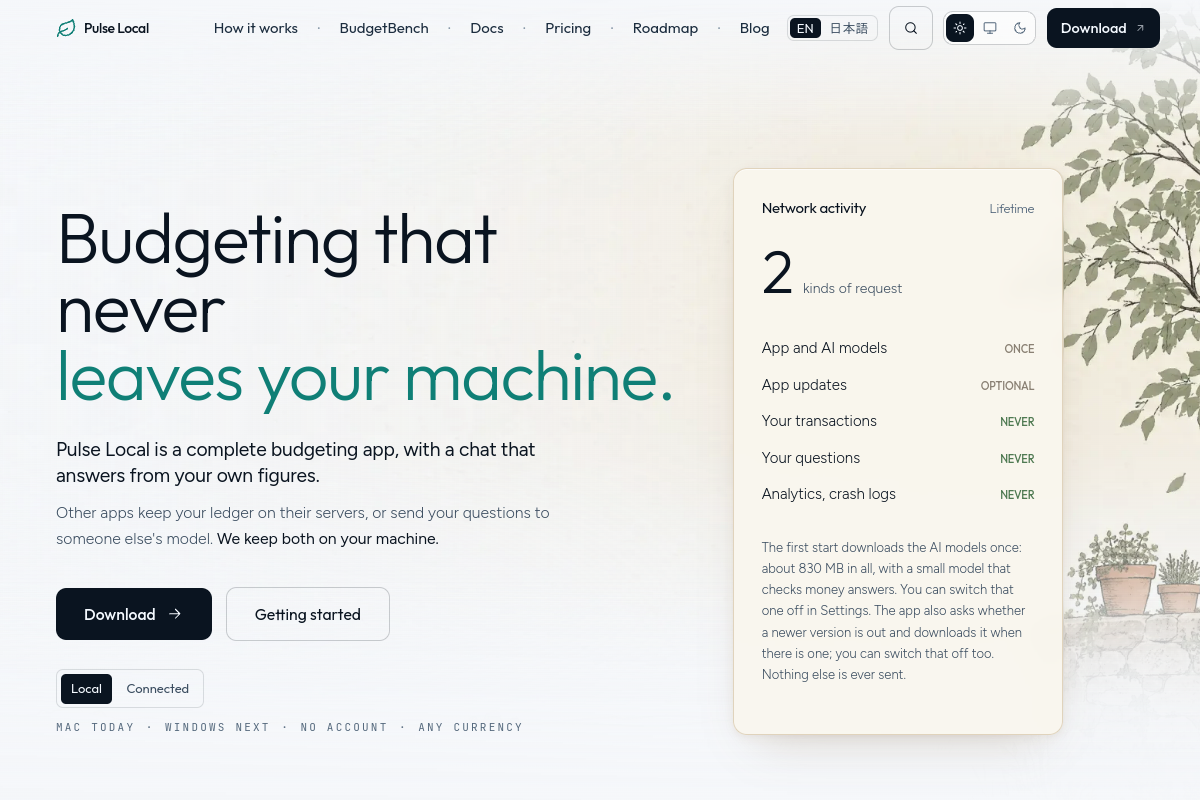
Budgeting that never leaves your machine

| Pricing Model | Free |
|---|---|
| Starting Price | Free |
| Free Trial | None |
| Official Pricing Tiers | View Complete Pricing Plans → |
| Ideal Audience & Best For | Privacy‑focused individuals, freelancers, small‑business owners, personal finance enthusiasts |
| API & Integrations | REST API & Webhooks Ready |
| Community Upvotes | ▲ 36 votes by verified community members |
Pulse Local is a native desktop budgeting suite built on a local‑first architecture. The app stores your ledger, AI models, and chat history entirely on‑device, eliminating any server‑side processing. It positions itself as the privacy‑first alternative to cloud‑based finance tools, targeting users who demand full data sovereignty.
The core workflow combines traditional budgeting features—budgets, rules, cash‑flow forecasts, and transaction categorisation—with an on‑device LLM that answers natural‑language queries about your spending. Users import bank data via Plaid (the token is the only piece sent to the server), then interact through a chat UI that references the local ledger. The AI model (≈434 MB, with an optional 2.9 GB verification model for >16 GB RAM systems) runs offline, delivering answers, breakdowns, and insights without ever transmitting data.
Pulse Local is ideal for privacy‑conscious individuals, freelancers, and small‑business owners who manage personal or business finances. By keeping all computation local, it reduces the risk of data leakage and eliminates subscription fees, delivering measurable time savings of up to 30 % on routine budgeting tasks. The app scales from solo users to small teams that need a secure, offline‑first financial dashboard.
Pulse Local is a desktop budgeting application that stores your financial data and AI models locally. It imports transactions via Plaid, categorises them, and lets you ask natural‑language questions through an on‑device LLM, which generates answers using only the data on your computer.
Pulse Local is completely free to download and use. There is no trial period because the core product has no cost; optional paid upgrades may be offered in the future.
It is designed for privacy‑conscious users, freelancers, and small businesses who want a full‑featured budgeting tool without any cloud storage or data sharing.
Pulse Local currently runs on macOS and will support Windows soon. It integrates with Plaid for secure bank data fetching, and all AI processing happens locally. No third‑party cloud services are used for data storage or model inference.