Petal, open-source CoScreen/ScreenHe...
8.7 / 10 BenchmarkLow‑latency, high‑resolution pair‑programming for teams

Low‑latency, high‑resolution pair‑programming for teams
| Pricing Model | Open_source |
|---|---|
| Starting Price | Free |
| Free Trial | None |
| Official Pricing Tiers | View Complete Pricing Plans → |
| Ideal Audience & Best For | Dev Teams, Remote Pair Programmers, Support Engineers, Compliance Teams |
| API & Integrations | REST API & Webhooks Ready |
| Community Upvotes | ▲ 37 votes by verified community members |
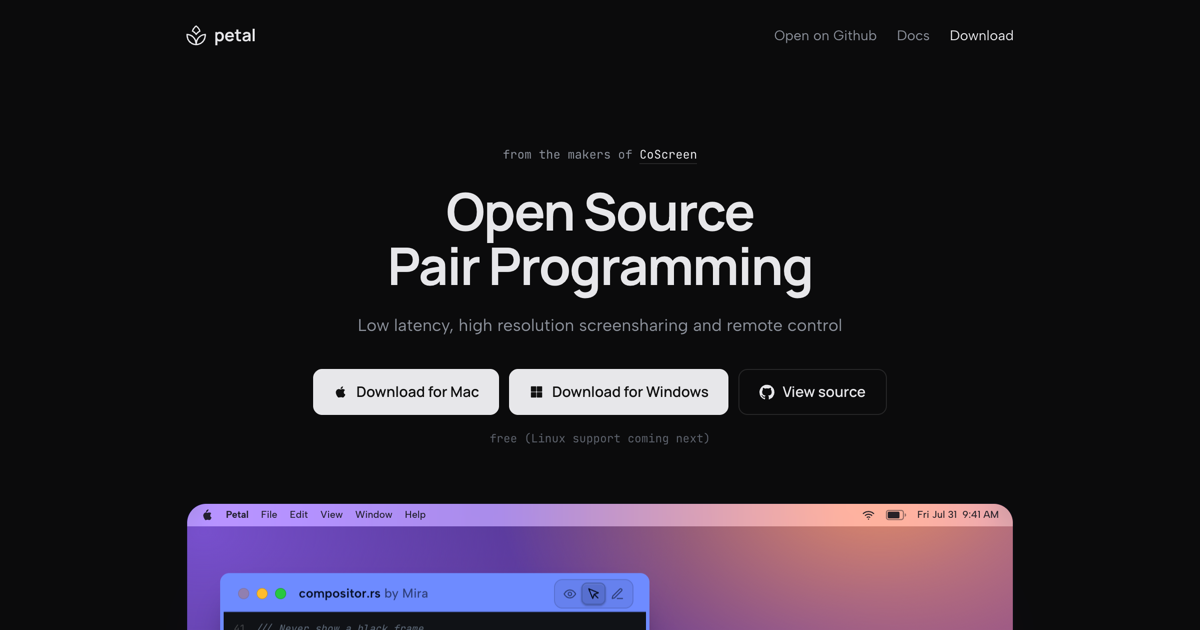
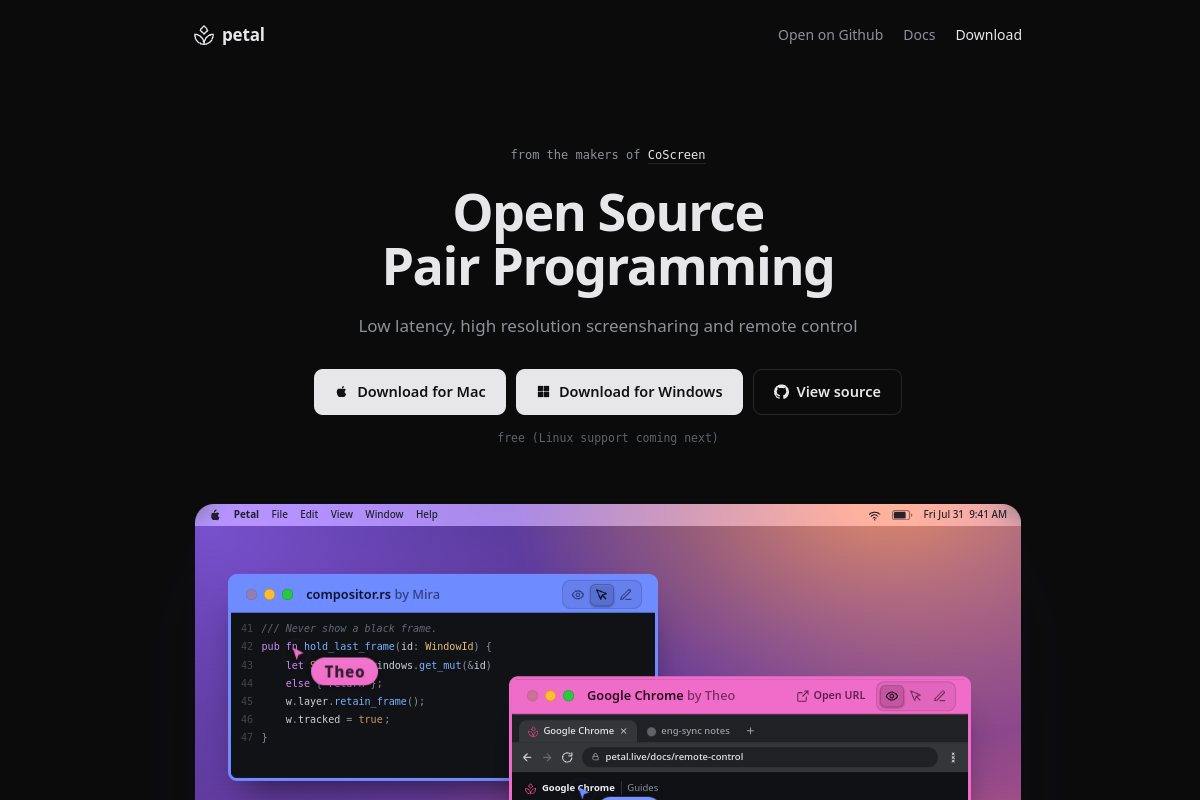
Petal is built on a Rust‑based desktop client that streams native windows via LiveKit’s WebRTC infrastructure, delivering sub‑50 ms latency and 4K‑quality video while preserving the exact desktop layout. It solves the pain of remote pair‑programming by eliminating grid‑based screen shares, black frames, and scheduling friction, positioning itself as a lightweight, open‑source alternative to commercial remote‑control suites.
The core workflow starts with a single click to create or join a room. Shared windows appear as resizable, movable desktop windows with labeled cursors, and users can instantly type, scroll, or click as if they owned the remote machine. Remote input is transmitted over WebRTC data channels, ensuring instant mouse and keyboard responsiveness. Petal supports persistent rooms, simultaneous multi‑user sessions, and can be deployed on a self‑hosted LiveKit server via a simple docker‑compose stack.
Petal targets dev teams, support engineers, and compliance‑focused organizations that need secure, real‑time collaboration. By replacing multiple tools (screen share, chat, code editor), it can cut onboarding time by 30‑50 % and reduce context‑switching, making it ideal for teams of 5‑20 users per session.
Petal is an open‑source pair‑programming tool that streams native windows via LiveKit’s WebRTC backend. Users install a lightweight desktop client, create or join a room, and shared windows appear as real desktop windows. Remote users can type, scroll, and click as if they owned the remote machine, with instant mouse and keyboard input transmitted over WebRTC data channels.
Petal is free and open‑source. There is no paid tier or trial; you can download the desktop app or run a self‑hosted instance for free.
Petal is ideal for dev teams, remote pair programmers, support engineers, and compliance‑focused organizations that need secure, low‑latency screen sharing and remote control without relying on third‑party SaaS.
Petal runs on Windows and macOS via a native desktop client. It can be self‑hosted using a LiveKit server (Docker‑compose) or used with the hosted LiveKit backend. No web‑only version is currently available.