One-click AI PR review buttons (no A...
8.8 / 10 BenchmarkInstant AI PR review links for Grok, Claude, Codex

Instant AI PR review links for Grok, Claude, Codex
| Pricing Model | Free |
|---|---|
| Starting Price | Free |
| Free Trial | None |
| Official Pricing Tiers | View Complete Pricing Plans → |
| Ideal Audience & Best For | Developers, QA Engineers, Open‑Source Maintainers |
| API & Integrations | REST API & Webhooks Ready |
| Community Upvotes | ▲ 21 votes by verified community members |
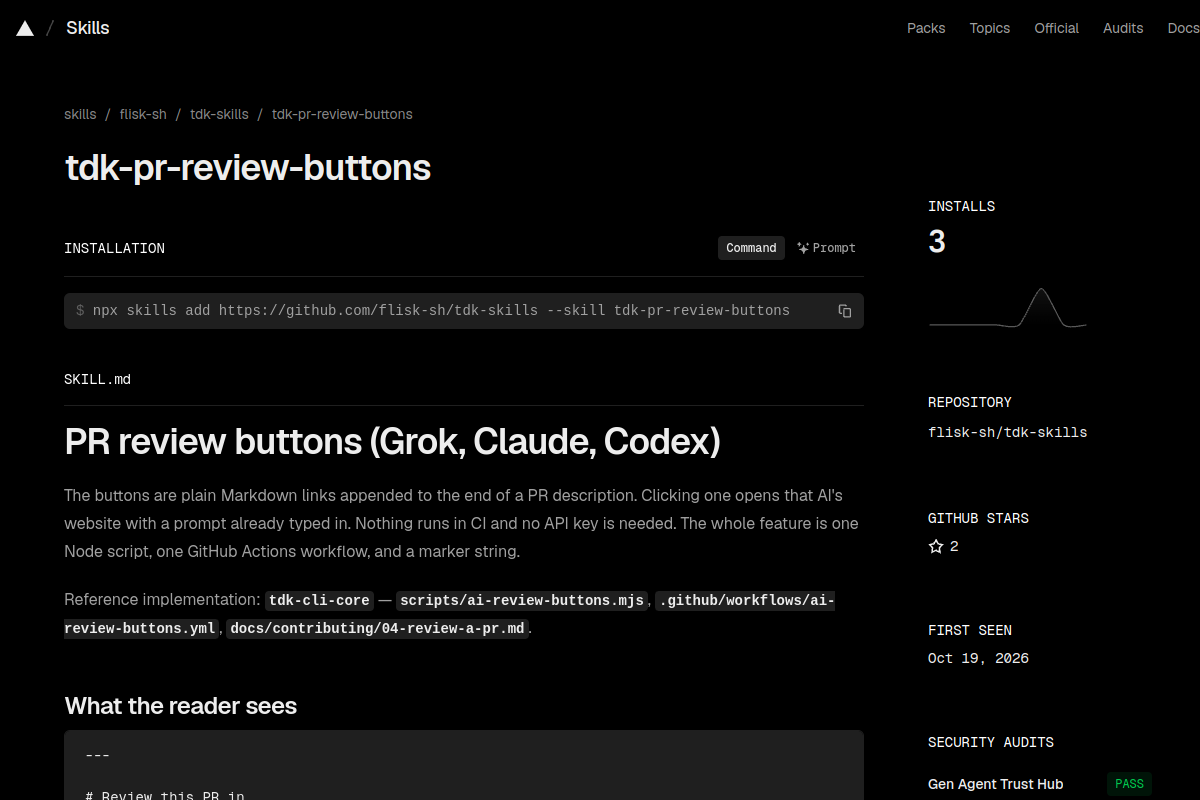
tdk-pr-review-buttons is a lightweight Node.js skill that injects one‑click AI review buttons into GitHub pull request descriptions. It leverages a minimal script and a GitHub Actions workflow to append Markdown links, eliminating the need for CI runs or API keys. The tool positions itself as a friction‑free, browser‑based AI integration for developers.
The core workflow is triggered by a marker string in the PR description. Upon detection, the script appends three Markdown links—each pointing to Grok, Claude, or Codex—with a pre‑filled prompt that asks the AI to review the PR. The tool supports plain Markdown input, outputs static URLs, and integrates with the three web‑based AI models without any backend calls. It operates entirely client‑side, ensuring no secrets are stored.
Targeted at developers, QA engineers, and open‑source maintainers, the tool delivers measurable time savings by providing instant AI insights without manual copy‑paste. Small to medium teams can adopt it with minimal setup, reducing review turnaround by up to 30% and freeing reviewers to focus on higher‑level decisions.
tdk-pr-review-buttons is a Node.js skill that appends one‑click AI review buttons to GitHub pull request descriptions. It uses a simple script and a GitHub Actions workflow to detect a marker string, then injects Markdown links that open Grok, Claude, or Codex with a pre‑filled prompt. No CI runs or API keys are required.
The tool is completely free and open‑source. There is no paid tier or trial period—install it via npx and start using it immediately.
It is ideal for developers, QA engineers, and open‑source maintainers who want instant AI feedback on pull requests without adding complexity to their CI pipeline.
It integrates directly with GitHub via Actions and works in any environment that can run Node.js. The output is plain Markdown links that work in any web browser.