Notion AI
9.1 / 10 BenchmarkAI‑powered workspace that turns notes, tasks, and data into actionable results

AI‑powered workspace that turns notes, tasks, and data into actionable results
| Pricing Model | Freemium |
|---|---|
| Starting Price | Free |
| Free Trial | Free Tier Available |
| Official Pricing Tiers | View Complete Pricing Plans → |
| Ideal Audience & Best For | Product managers, knowledge workers, remote teams, startups, enterprise operations |
| API & Integrations | REST API & Webhooks Ready |
| Community Upvotes | ▲ 25 votes by verified community members |
**Technical architecture & problem solved** – Notion runs on a cloud‑native SaaS stack with a unified relational database engine behind a real‑time collaborative editor. It tackles the fragmentation of knowledge work by providing a single, searchable canvas where documents, databases, and AI agents coexist, positioning itself as the “operating system” for modern teams.
**Core workflows & integrations** – Users interact via a web app or native clients (macOS, Windows, iOS, Android) and can invoke Notion AI through slash‑commands, context menus, or API calls. The AI layer plugs into OpenAI, Anthropic, and proprietary LLMs to generate text, summarize pages, autofill database rows, and execute multi‑step automations that pull data from Slack, Google Drive, and other connected services via REST/webhooks.
**Target audience & ROI** – Ideal for product managers, knowledge workers, and remote teams that need a single source of truth. Companies report up to 30 % reduction in meeting prep time and a 2‑hour weekly saving per employee by automating reporting, ticket triage, and knowledge‑base updates. Scales from solo freelancers to Fortune‑100 enterprises with granular permission controls.
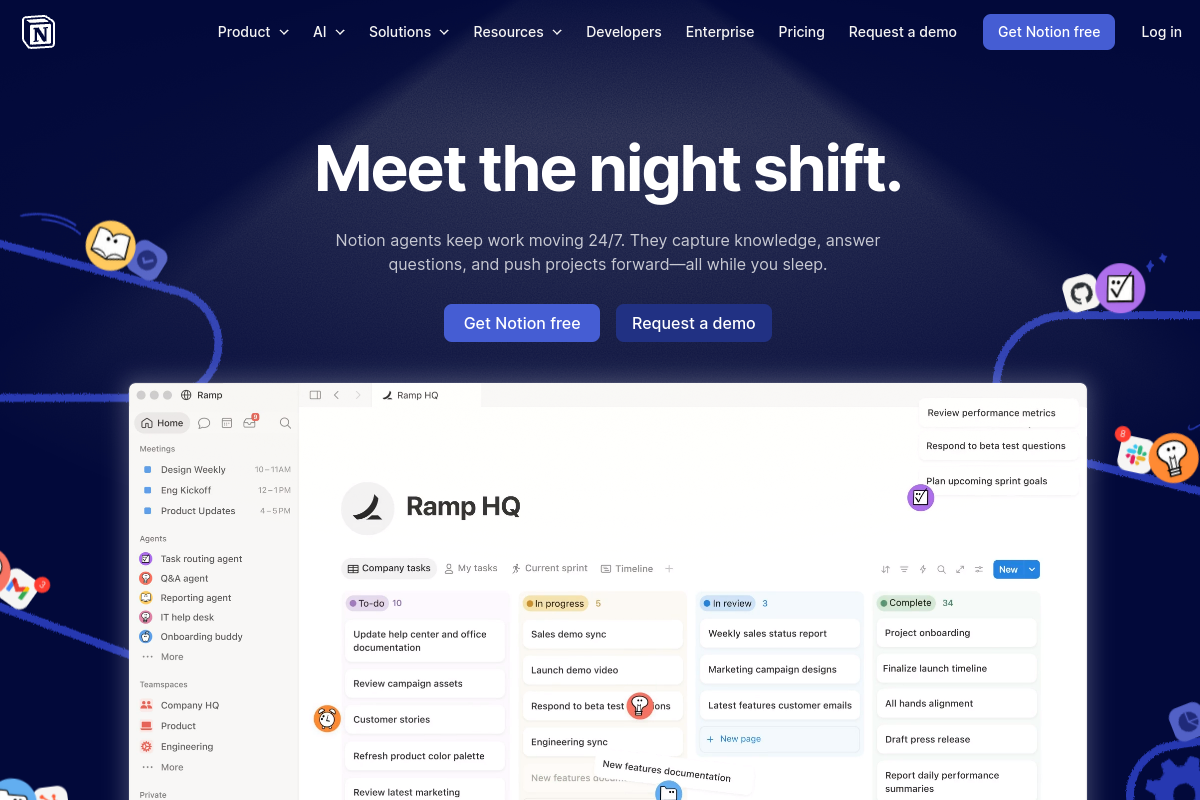
Notion is a cloud‑based productivity platform that combines notes, databases, and project management into a single collaborative space. Its AI layer sits on top of the core editor, using large language models to generate, summarize, and act on content based on the context of the page you’re working in.
Notion offers a free tier with unlimited pages and basic AI trials. Paid plans start at $10 per seat per month for Plus and $20 per seat per month for Business, each including expanded AI usage. Enterprise pricing is custom and includes additional security and admin features.
Notion serves solo creators, fast‑growing startups, and large enterprises alike. It’s especially valuable for product teams, knowledge workers, and any organization that needs a unified knowledge base with AI‑driven automation.
Notion runs on Web, macOS, Windows, iOS, and Android. It integrates natively with Slack, Google Drive, GitHub, Zapier, and offers a REST API plus webhooks for custom AI agents and third‑party workflows.