MarkItDown AI
8.9 / 10 BenchmarkConvert PDF, Word, and Excel to clean Markdown locally in your browser for AI workflows.

Convert PDF, Word, and Excel to clean Markdown locally in your browser for AI workflows.

| Pricing Model | Freemium |
|---|---|
| Starting Price | Free |
| Free Trial | Free Tier Available |
| Official Pricing Tiers | View Complete Pricing Plans → |
| Ideal Audience & Best For | Data Engineers, AI Developers, Knowledge Managers, Technical Writers |
| API & Integrations | REST API & Webhooks Ready |
| Community Upvotes | ▲ 22 votes by verified community members |
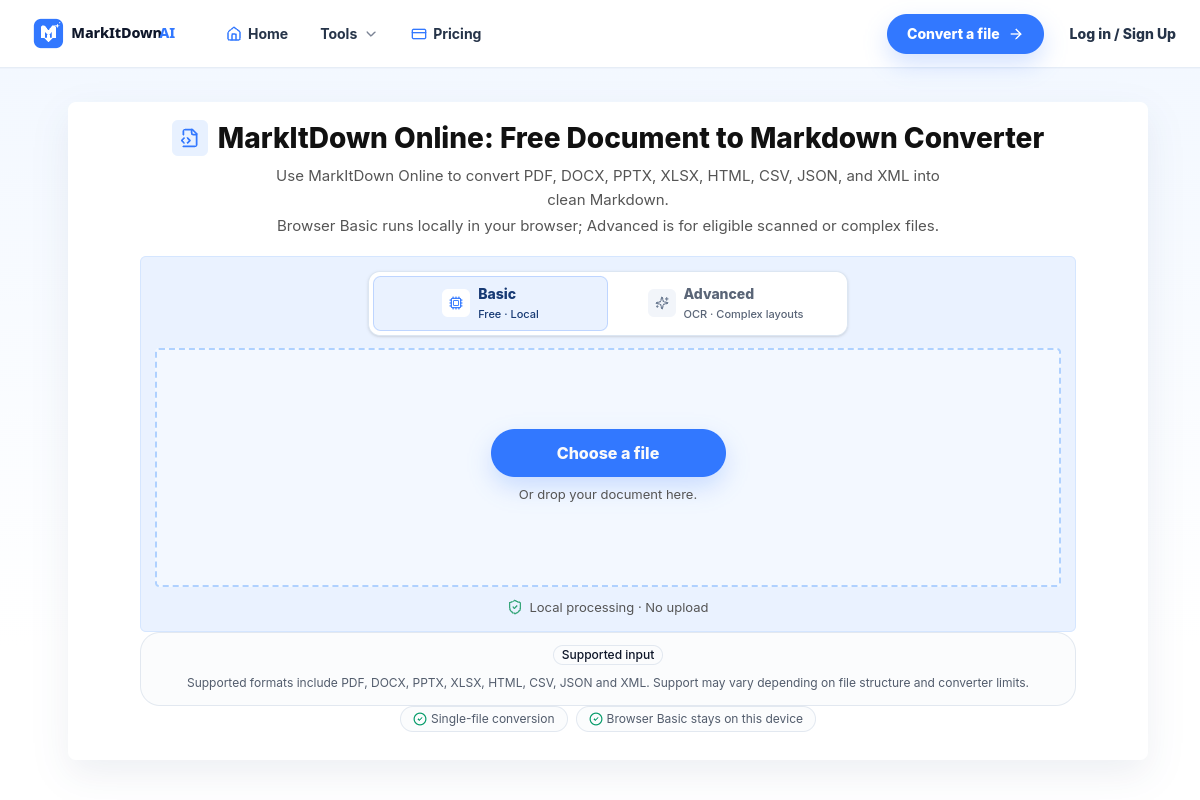
MarkItDown AI is a browser-based document conversion utility built upon Microsoft's open-source MarkItDown library, designed to bridge the gap between unstructured binary files and LLM-ready text. It solves the critical problem of data ingestion for AI pipelines by transforming complex formats like PDF, DOCX, PPTX, XLSX, HTML, CSV, JSON, and XML into clean, structured Markdown. The platform positions itself as a privacy-first alternative to cloud-based converters, offering a 'Browser Basic' mode that processes files entirely locally within the user's device, ensuring zero data upload for standard documents.
The core workflow involves uploading a single file (up to 10 MB in the free tier) to generate Markdown that preserves headings, lists, tables, links, and readable text. For complex scenarios involving scanned documents, intricate tables, or mathematical formulas, the 'Enhanced' tier utilizes server-side OCR and advanced parsing logic. The interface provides an immediate preview of the converted output, allowing users to copy the text or download it as a .md file. This output is specifically optimized for seamless integration into RAG systems, ChatGPT, Claude, Obsidian, and Notion, reducing the need for manual cleanup or complex Python scripting for one-off tasks.
MarkItDown AI is ideal for developers, data engineers, and knowledge workers who need to rapidly ingest documentation into AI tools without setting up local Python environments. It offers significant ROI by eliminating the time spent on manual copy-pasting and formatting cleanup, saving hours per week for teams managing large volumes of technical documentation. While the free tier is limited to local processing and smaller file sizes, the scalable pricing model supports both occasional users and enterprise teams requiring high-volume, complex document processing.
MarkItDown AI is a web-based tool that converts documents like PDF, Word, and Excel into Markdown. It uses Microsoft's open-source MarkItDown library. The 'Basic' mode runs locally in your browser for privacy, while the 'Enhanced' mode uses server-side processing for complex files like scanned documents.
The local browser conversion is completely free. Enhanced processing starts at $1.99 for a one-time pack of 30 pages. A Pro Monthly subscription costs $29.90/month for 1,000 enhanced pages. There is a free 2-page Enhanced trial for verified Google accounts.
It is best for developers and data engineers who need to quickly convert documents for AI/LLM workflows without setting up a Python environment. It is also useful for knowledge workers who want to import documents into tools like Notion or Obsidian.
It supports input from PDF, DOCX, PPTX, XLSX, HTML, CSV, JSON, and XML. The output is standard Markdown, which can be integrated into any system that accepts text, including ChatGPT, Claude, RAG pipelines, Obsidian, and Notion. Developers can also use the underlying Python package for automation.