Interface & Product Gallery

Product Specifications

Pricing Model Open_source
Starting Price Free
Free Trial None
Official Pricing Tiers View Complete Pricing Plans →
Ideal Audience & Best For Researchers, Knowledge Workers, Students, Small Teams
API & Integrations REST API & Webhooks Ready
Community Upvotes ▲ 36 votes by verified community members

Core Capabilities & Features

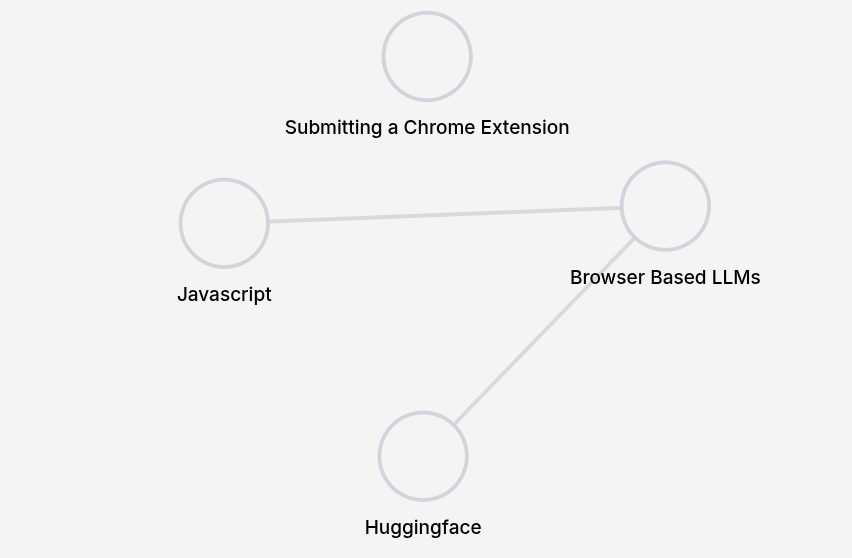
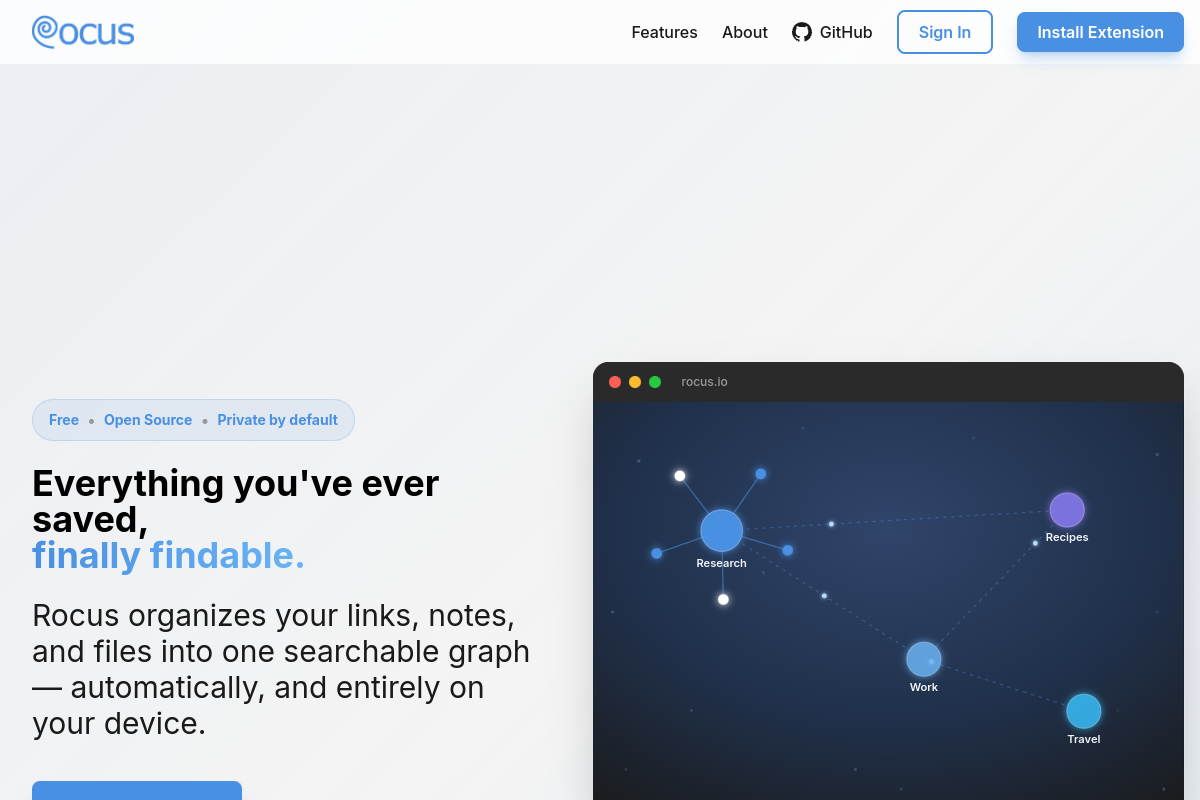
AI‑Powered Knowledge Graph: Automatically links bookmarks, notes, and files into a semantic graph using local LLM inference.
Real‑Time Collaboration: Multiple users can edit and view the graph simultaneously via WebRTC, with conflict resolution built in.
Local, In‑Browser AI: All processing happens client‑side, ensuring zero data leaves the device and preserving privacy.
Temporal Browsing: View your knowledge history by day, filter by date, and trace the evolution of ideas.
Custom Tagging & Semantic Search: AI‑driven search across the graph with auto‑generated tags and entity recognition.
Import/Export Flexibility: Supports browser bookmark imports, PDF/Markdown uploads, and exports to JSON, CSV, or Markdown.
End‑to‑End Encryption: Data is stored locally in encrypted IndexedDB, with optional passphrase protection.

About Rocus

Rocus is a browser‑based knowledge graph that transforms saved websites, notes, and files into an AI‑organized network, solving the problem of fragmented knowledge and siloed information. It runs entirely in‑browser using lightweight local LLMs, ensuring that all data stays on the user’s machine and never leaves the device.

Users import bookmarks, paste notes, or upload files and the UI presents a dynamic graph view, a timeline view, and a semantic search bar. The local AI extracts entities, relationships, and tags, automatically linking related content across domains. The platform supports real‑time collaboration via WebRTC, and data can be exported as JSON, CSV, or Markdown for downstream use.

Rocus is ideal for researchers, knowledge workers, students, and small teams who need to quickly retrieve and interconnect information. By automating tagging and linking, it can cut time spent searching for relevant content by up to 70 %, making it a valuable tool for teams of 1‑10 users.

Top Alternatives to Rocus

View all in category →
Buzzspot
Buzzspot Starts at $19/mo

AI website assistant for converting visitors into leads.

▲ 142 upvotes Compare →
Cr34te.it
Cr34te.it Free Tier • Paid from $9/mo

Turn‑based AI website editor that lets anyone instantly remix a live site.

▲ 87 upvotes Compare →
Tidio AI
Tidio AI Free Tier • Paid from $0/mo

AI‑powered chat that resolves questions instantly and turns conversations into sales

▲ 22 upvotes Compare →
Hedwig, a free and open-source alter...
Hedwig, a free and open-source alter... Free Open Source • Self-Host or Cloud

Open-source B2B email sequences with AI agent control via Claude Code and Codex.

▲ 0 upvotes Compare →

Verified User Reviews

0 community review(s)
No user reviews posted yet. Be the first to share your experience with Rocus!

Editorial Pros & Cons

Key Advantages (Pros)

  • Zero‑cost, open‑source with no subscription fees
  • Local AI ensures privacy and compliance with data regulations
  • Intuitive graph interface accelerates knowledge discovery
  • Real‑time collaboration supports distributed teams

Considerations (Cons)

  • Limited to browser environment; no native desktop app
  • Requires local GPU or CPU for LLM inference, which may be slow on older machines
  • No built‑in analytics or reporting features
  • Learning curve for graph‑based navigation

Supported Platforms & Integrations

Web App Browser Extension Local AI

Frequently Asked Questions

What is Rocus and how does it work?

Rocus is a browser‑based knowledge graph that turns your saved websites, notes, and files into an AI‑organized network. It runs local LLMs in the browser to extract entities and relationships, builds a graph, and lets you explore, search, and collaborate in real time.

How much does Rocus cost and is there a free trial?

Rocus is free and open‑source. There is no paid tier or trial period; you can download and run it locally with no subscription.

Who is Rocus best suited for?

Rocus is ideal for researchers, knowledge workers, students, and small teams who need to quickly organize and retrieve information from web bookmarks, notes, and files.

What integrations and platforms does Rocus support?

Rocus runs as a web app and browser extension, using local in‑browser AI. It imports browser bookmarks, PDFs, Markdown, and other files, and exports data to JSON, CSV, or Markdown.