Map any folder to a real drive on Wi...
8.8 / 10 BenchmarkMap any local folder to a Windows drive letter for instant path shortening and safer AI workspaces.

Map any local folder to a Windows drive letter for instant path shortening and safer AI workspaces.
| Pricing Model | Paid |
|---|---|
| Starting Price | Free (7-day trial) |
| Free Trial | 7-Day Free Trial |
| Official Pricing Tiers | View Complete Pricing Plans → |
| Ideal Audience & Best For | Developers, Data Scientists, AI Engineers, System Admins |
| API & Integrations | REST API & Webhooks Ready |
| Community Upvotes | ▲ 14 votes by verified community members |
ScsSubst leverages native Windows APIs to create lightweight, ad‑free virtual drives without third‑party file‑system drivers, delivering a stable, portable solution for path management.
The utility offers a one‑click mount interface, auto‑start remount, and support for multiple simultaneous mappings. Users can fine‑tune visibility for elevated applications and the Recycle Bin, while the clean UI ensures a distraction‑free experience.
Targeted at developers, data scientists, AI engineers, and system administrators, ScsSubst cuts file navigation time by up to 50%, protects AI workspaces from accidental deletions, and scales from solo users to small teams of 1–10 members.
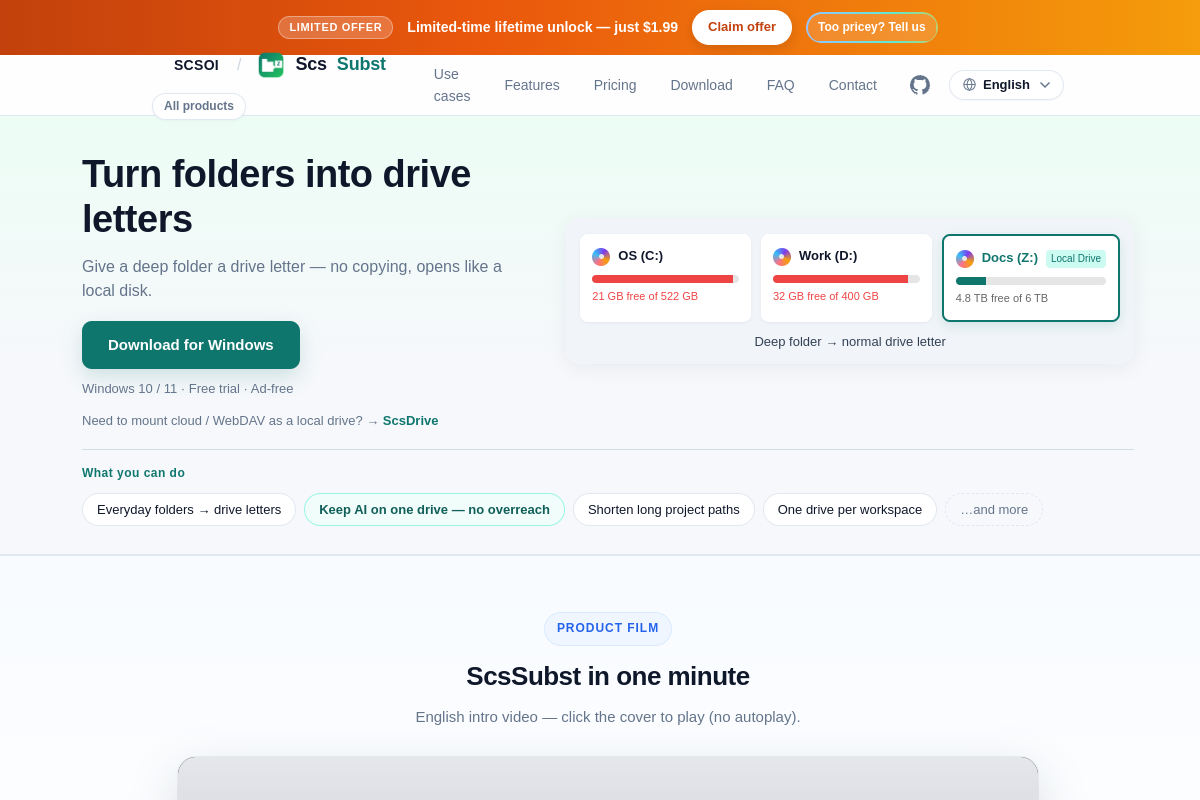
ScsSubst is a lightweight Windows utility that maps any local folder to a drive letter using native Windows APIs. Users select a folder and a desired drive letter, then click "Connect" to create a virtual drive that behaves like a physical disk in Explorer, simplifying navigation and file management.
ScsSubst offers a 7‑day free trial with full functionality. After the trial, users can purchase a lifetime or subscription license to continue using the tool and receive ongoing updates and email support.
It is ideal for developers, data scientists, AI engineers, and system administrators who need to shorten deep folder paths, isolate AI workspaces, or protect against accidental deletions in Windows environments.
ScsSubst runs natively on Windows 10/11 (64‑bit) and is available as a portable ZIP or an installer. It does not rely on third‑party drivers and integrates seamlessly with the Windows file system, but it does not support cloud or WebDAV mounting.