Luksmith
8.9 / 10 BenchmarkMount encrypted Linux drives on macOS instantly, no kernel extensions required

Mount encrypted Linux drives on macOS instantly, no kernel extensions required
| Pricing Model | Paid |
|---|---|
| Starting Price | $9.99 one‑time |
| Free Trial | None |
| Official Pricing Tiers | View Complete Pricing Plans → |
| Ideal Audience & Best For | Mac sysadmins, security engineers, data analysts, developers handling Linux‑encrypted drives |
| API & Integrations | REST API & Webhooks Ready |
| Community Upvotes | ▲ 20 votes by verified community members |
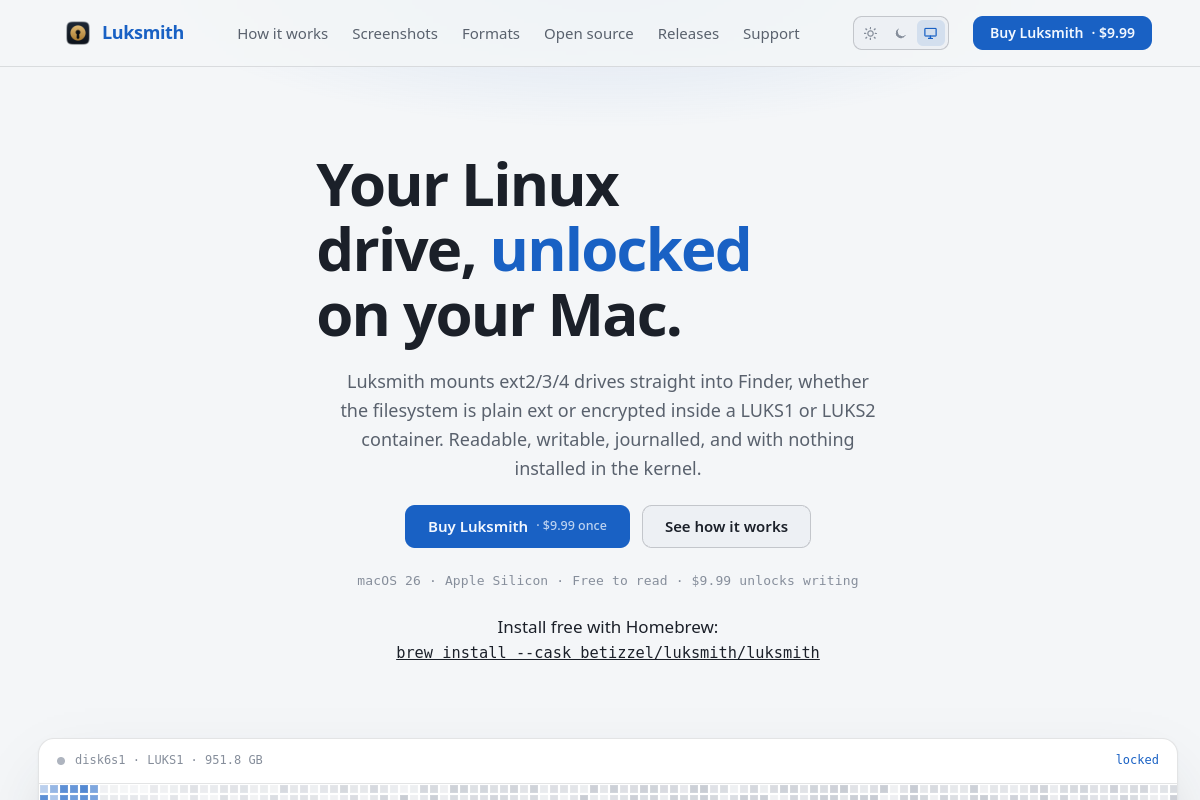
**Technical architecture & problem** – Luksmith is a native macOS user‑space file‑system built on Apple’s FSKit. It bridges the long‑standing gap where macOS cannot read LUKS‑encrypted ext2/3/4 volumes, eliminating the need for FUSE, kernel extensions, or virtual machines. By handling raw block devices, decrypting sectors on‑the‑fly, and delegating filesystem parsing to libext2fs, it provides a secure, low‑overhead bridge between Linux‑only encryption and the macOS Finder.
**Core workflow & integrations** – When a LUKS‑protected drive is plugged in, Luksmith scans the device header, prompts for the passphrase, derives the volume key (PBKDF2 or Argon2), and streams decrypted blocks to libext2fs which mounts the ext2/3/4 filesystem via FSKit. The mounted volume appears under `/Volumes` and behaves like any native disk—drag‑and‑drop, tagging, read/write, and journalling are fully supported. It stores passphrases in the macOS Keychain, offers optional write‑flush policies, and works on both Intel and Apple‑Silicon Macs.
**Target audience & ROI** – Ideal for Mac‑based system administrators, security engineers, data analysts, and developers who regularly exchange encrypted Linux drives with macOS workstations. By removing cumbersome VM or network‑share work‑arounds, Luksmith saves minutes per mount and eliminates the risk of data corruption, delivering a clear productivity boost for teams handling 10‑50 encrypted drives per month.
Luksmith is a macOS‑only utility that lets you mount LUKS‑encrypted ext2/3/4 drives directly in Finder. It reads the raw block device, decrypts sectors using the supplied passphrase, and hands the decrypted data to libext2fs, which mounts the filesystem via Apple’s FSKit. The result appears as a regular macOS volume, fully readable and writable.
Luksmith is sold as a one‑time purchase for $9.99. There is no free trial or freemium tier; the price includes all future updates for the current macOS major version.
It targets Mac‑based system administrators, security professionals, developers, and data analysts who need to access Linux‑encrypted ext2/3/4 drives without resorting to virtual machines, FUSE, or kernel extensions.
Luksmith runs natively on macOS 10.15 and later, supporting both Intel and Apple‑Silicon CPUs. It integrates with the macOS Keychain for secure passphrase storage and works seamlessly with Finder, Terminal, and any macOS application that accesses mounted volumes. No external APIs or cloud services are required.