Geneva, a Rust FFmpeg CLI alternativ...
8.9 / 10 BenchmarkFast, scriptable video editing with Rust‑powered FFmpeg and HTML/CSS graphics

Fast, scriptable video editing with Rust‑powered FFmpeg and HTML/CSS graphics
| Pricing Model | Free |
|---|---|
| Starting Price | Free |
| Free Trial | None |
| Official Pricing Tiers | View Complete Pricing Plans → |
| Ideal Audience & Best For | Developers, DevOps Engineers, Motion‑Graphics Designers, SaaS Marketing Teams |
| API & Integrations | REST API & Webhooks Ready |
| Community Upvotes | ▲ 27 votes by verified community members |
Geneva is a single‑binary, cross‑platform CLI video editor built on Rust and FFmpeg libraries. It replaces heavyweight GUI tools by representing edits as JSON documents, letting developers version‑control video projects and integrate rendering into CI pipelines. Positioned as an open‑source alternative to commercial motion‑graphics suites, it leverages Rust’s safety and performance while keeping the FFmpeg codec ecosystem.
The workflow centers on declarative JSON files that describe timelines, assets, and layer compositions. Users supply HTML/CSS files for titles and graphics, which are rasterized by a Rust compositor without a browser. Supported inputs include any FFmpeg‑compatible video, audio, image, and subtitle formats; outputs are standard containers like MP4 (H.264/H.265) or WebM. Commands such as `trim`, `concat`, `convert`, and `subtitles` translate to JSON, then `render` produces the final video, optionally using system‑installed x264/x265 for higher quality.
Geneva targets developers, DevOps engineers, and motion‑graphics creators who need repeatable, automated video pipelines. By eliminating manual GUI steps, teams can cut rendering time by 30‑50% and embed video generation in build scripts, marketing automation, or e‑learning content creation. Ideal for small to mid‑size studios, SaaS products, and tech‑savvy marketers building dozens of videos per week.
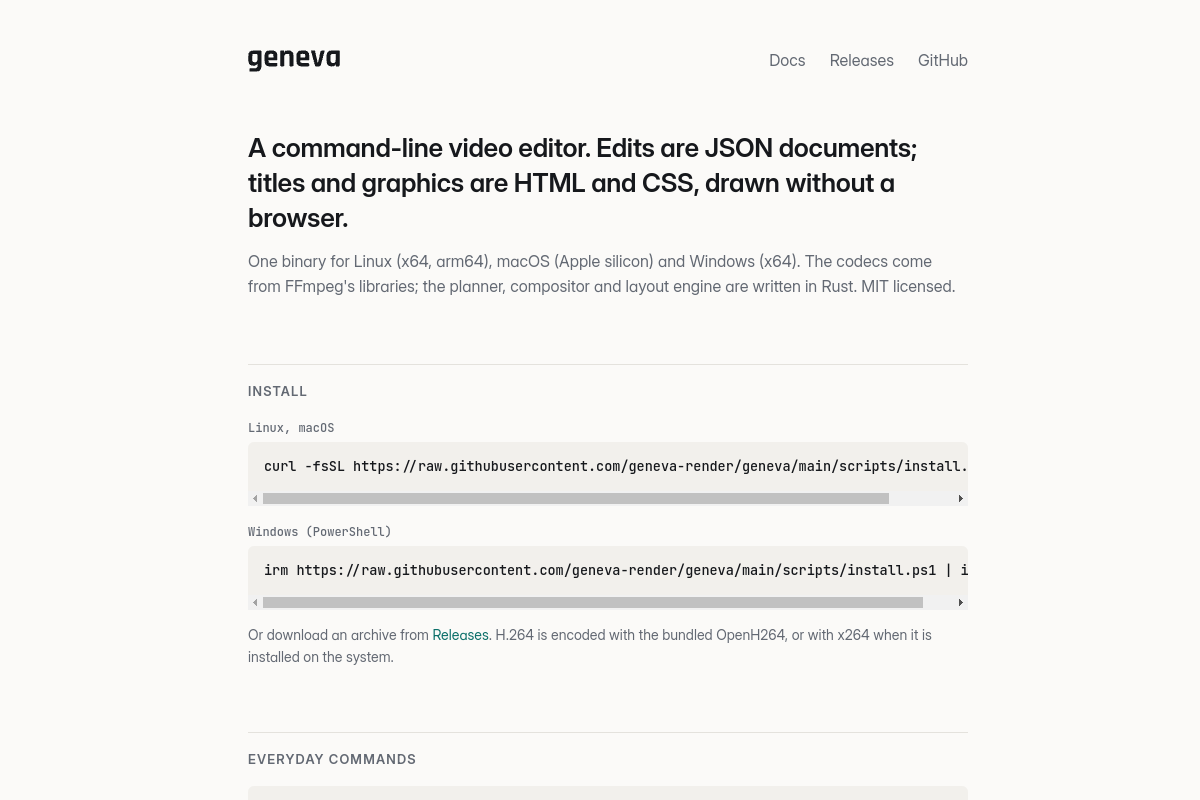
Geneva is an open‑source command‑line video editor written in Rust that uses FFmpeg codecs. Users describe edits in JSON, embed HTML/CSS for graphics, and the tool renders the final video in a single binary execution.
Geneva is completely free under an MIT license; there is no paid tier or trial period.
It is ideal for developers, DevOps teams, and motion‑graphics creators who need scriptable, repeatable video rendering without a GUI.
Geneva runs on Linux (x64/arm64), macOS (Apple Silicon), and Windows (x64) as a CLI tool. It integrates with any FFmpeg‑compatible codecs, can be called from shell scripts, CI pipelines, and supports HTML/CSS assets for graphics.