G-Spot
8.8 / 10 BenchmarkLocal-first desktop hub that unifies mail, code, notes, and AI into one command center.

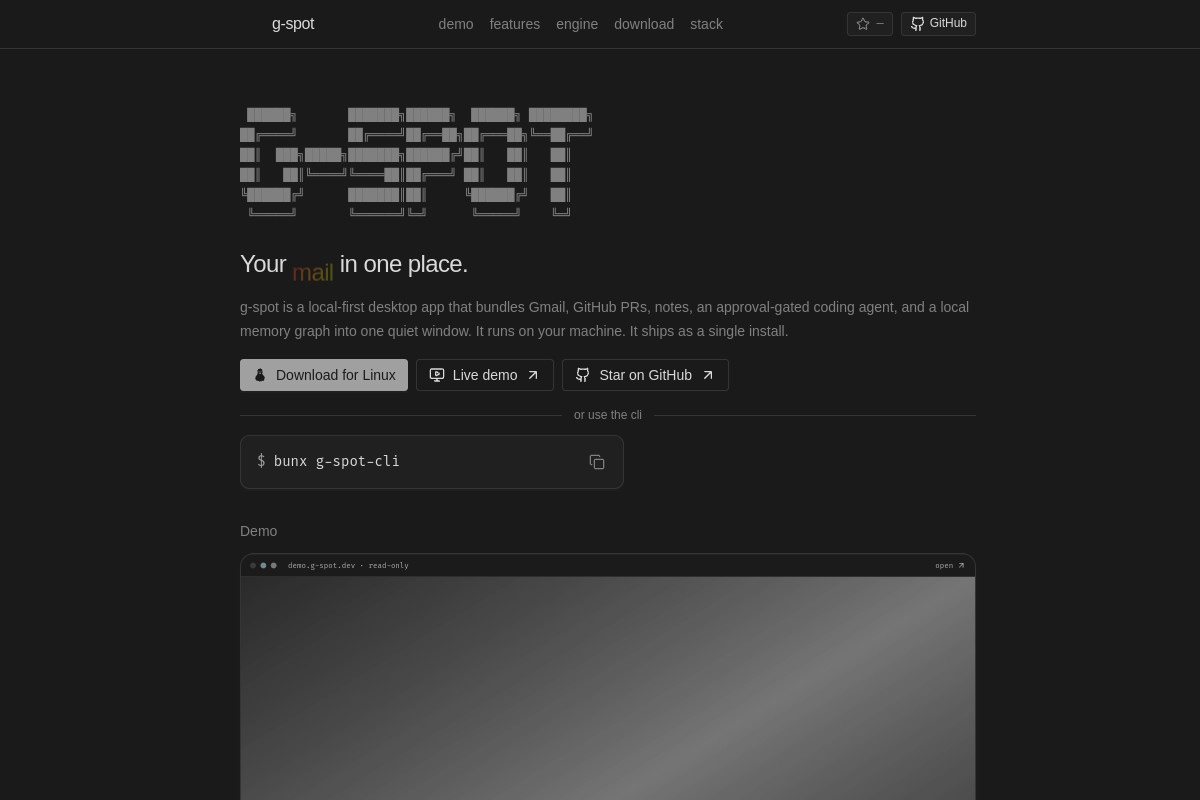
Local-first desktop hub that unifies mail, code, notes, and AI into one command center.

| Pricing Model | Open_source |
|---|---|
| Starting Price | Free |
| Free Trial | None |
| Official Pricing Tiers | View Complete Pricing Plans → |
| Ideal Audience & Best For | Developers, Researchers, Knowledge Workers, Privacy‑Conscious Teams |
| API & Integrations | REST API & Webhooks Ready |
| Community Upvotes | ▲ 16 votes by verified community members |
G-Spot is a privacy‑centric, local‑first desktop application built on a modular architecture that stores all data in an encrypted SQLite database and optionally syncs via end‑to‑end encrypted cloud services. It positions itself as a single, unified command center for developers, researchers, and knowledge workers who demand offline access, data sovereignty, and open‑source transparency.
The core workflow revolves around a powerful command palette that launches mail, code, notes, or AI tasks with a single keystroke. The interface features a sidebar with threaded email, a VS‑Code‑style editor for code, a markdown note editor, and a dynamic knowledge‑graph view that auto‑generates links from content. Inputs include IMAP/SMTP emails, local code files, markdown notes, and user prompts; outputs span summarized emails, code completions, AI‑generated drafts, and graph visualizations. G-Spot integrates with local LLMs or external APIs, allowing users to toggle between on‑device inference and cloud‑powered models.
Targeted at solo developers, research teams, and privacy‑conscious organizations, G-Spot delivers measurable ROI by cutting context‑switching time, reducing the number of tools a user must juggle, and enabling rapid knowledge recall. Small teams of 1–10 can deploy it with minimal overhead, while larger groups can scale via the optional encrypted sync layer.
G-Spot is a local‑first desktop command center that integrates email, code, notes, a knowledge‑graph memory, and an AI agent. It stores all data locally in an encrypted database, offers a unified command palette for quick access, and can run LLM inference on‑device or via external APIs.
G-Spot is open source and free to use. There is no separate pricing tier or trial period; you can download and run it immediately.
It is ideal for developers, researchers, and knowledge workers who need a privacy‑centric, offline‑first workspace that consolidates mail, code, notes, and AI.
G-Spot runs on Windows, macOS, and Linux. It integrates with IMAP/SMTP email servers, local code repositories, markdown note files, and can connect to external LLM APIs for AI tasks.