Caspian
9.2 / 10 BenchmarkUnified CLI orchestrator for Claude, Codex, Gemini, Cursor, and Grok agents.

Unified CLI orchestrator for Claude, Codex, Gemini, Cursor, and Grok agents.
| Pricing Model | Free |
|---|---|
| Starting Price | Free |
| Free Trial | Free Tier Available |
| Official Pricing Tiers | View Complete Pricing Plans → |
| Ideal Audience & Best For | Senior Developers, Engineering Leads, Full-Stack Engineers, AI-First Startups |
| API & Integrations | REST API & Webhooks Ready |
| Community Upvotes | ▲ 40 votes by verified community members |
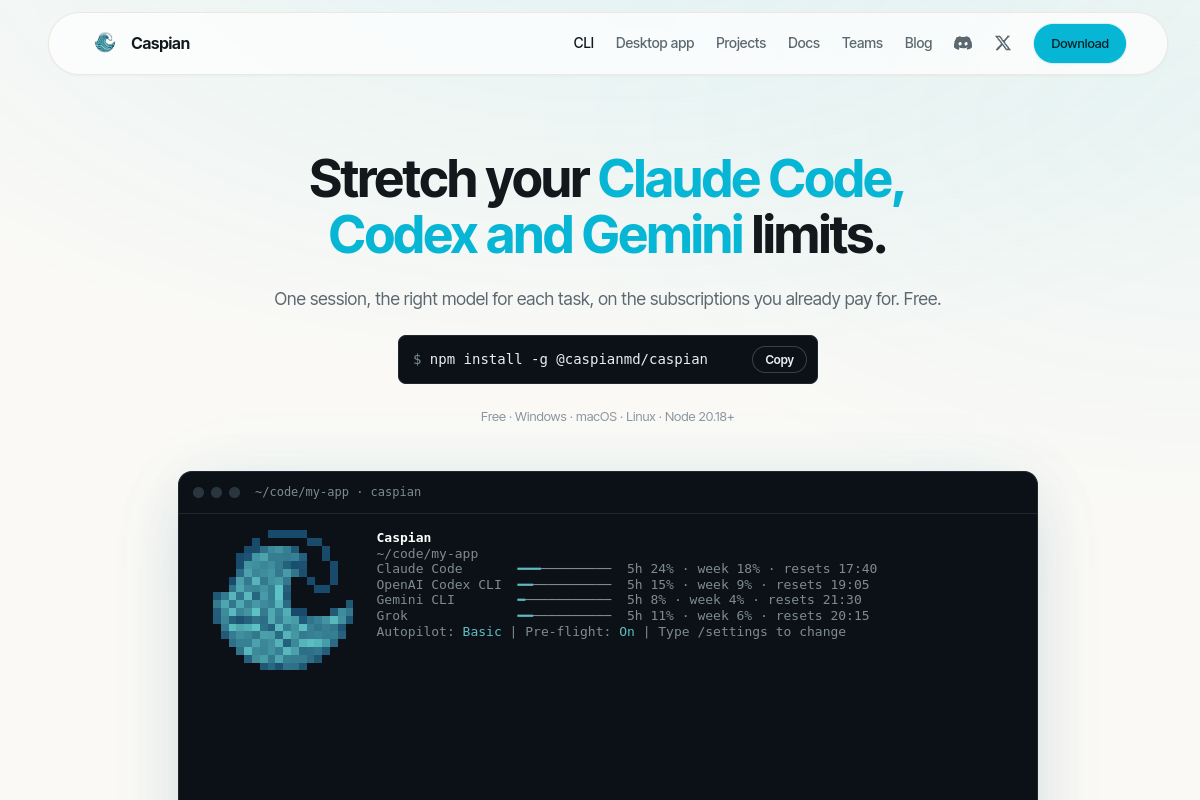
Caspian is a terminal-based orchestration layer that unifies disparate AI coding agents—Claude Code, OpenAI Codex, Gemini, Cursor, and Grok—into a single, coherent workflow. It solves the fragmentation problem of multi-model development by running these agents in the background and consolidating their outputs into one session. The platform operates as a meta-agent, intelligently routing tasks to the most cost-effective or capable model based on the complexity of the request and the user's existing subscription limits.
The interface features a 'Pre-flight' system that presents side-by-side comparisons of potential model choices, detailing estimated token usage, time, and cost before execution. It includes a `/refine` command that uses cheaper models to clarify vague prompts, a shared `.caspian/context.md` memory file for cross-tool consistency, and a 'Leaner tool output' feature that strips noisy git and test logs to save tokens. Users can toggle between 'Fast', 'Balanced', and 'Capable' modes, with Caspian automatically selecting the optimal tool from their active subscriptions.
Caspian is designed for senior developers, engineering leads, and technical founders who utilize multiple AI subscriptions to maximize output without incurring additional API costs. By leveraging existing plans, it offers significant ROI through optimized token usage and reduced decision fatigue. It is ideal for individual developers and small engineering teams who need to manage complex codebases across different AI ecosystems while maintaining strict control over changes and costs.
Caspian is a terminal-based orchestrator that manages multiple AI coding agents (Claude Code, Codex, Gemini, Cursor, Grok) in a single session. It runs these agents in the background, intelligently routes tasks to the best model based on your subscriptions, and consolidates their outputs for review.
Caspian is free to use. It does not charge for its own service; instead, it runs on top of the AI subscriptions you already pay for (e.g., Claude Pro, Codex Plus). Requests count against your existing plan limits.
It is best suited for developers and engineering teams who use multiple AI coding tools and want to optimize their usage, reduce costs, and maintain a unified workflow without managing separate CLI sessions for each provider.
Caspian integrates with Claude Code, OpenAI Codex CLI, Gemini CLI, Cursor CLI, and Grok CLI. It is available as a CLI tool for Mac, Windows, and Linux, and includes a desktop app for managing projects and drafts.