Skillsync
9.0 / 10 BenchmarkInstant recall across all AI agents—search every past session as you type.

Instant recall across all AI agents—search every past session as you type.
| Pricing Model | Freemium |
|---|---|
| Starting Price | Free |
| Free Trial | 5-Day Free Trial |
| Official Pricing Tiers | View Complete Pricing Plans → |
| Ideal Audience & Best For | Prompt Engineers, AI Product Teams, Software Developers, Data Scientists, Knowledge‑Base Managers |
| API & Integrations | REST API & Webhooks Ready |
| Community Upvotes | ▲ 21 votes by verified community members |
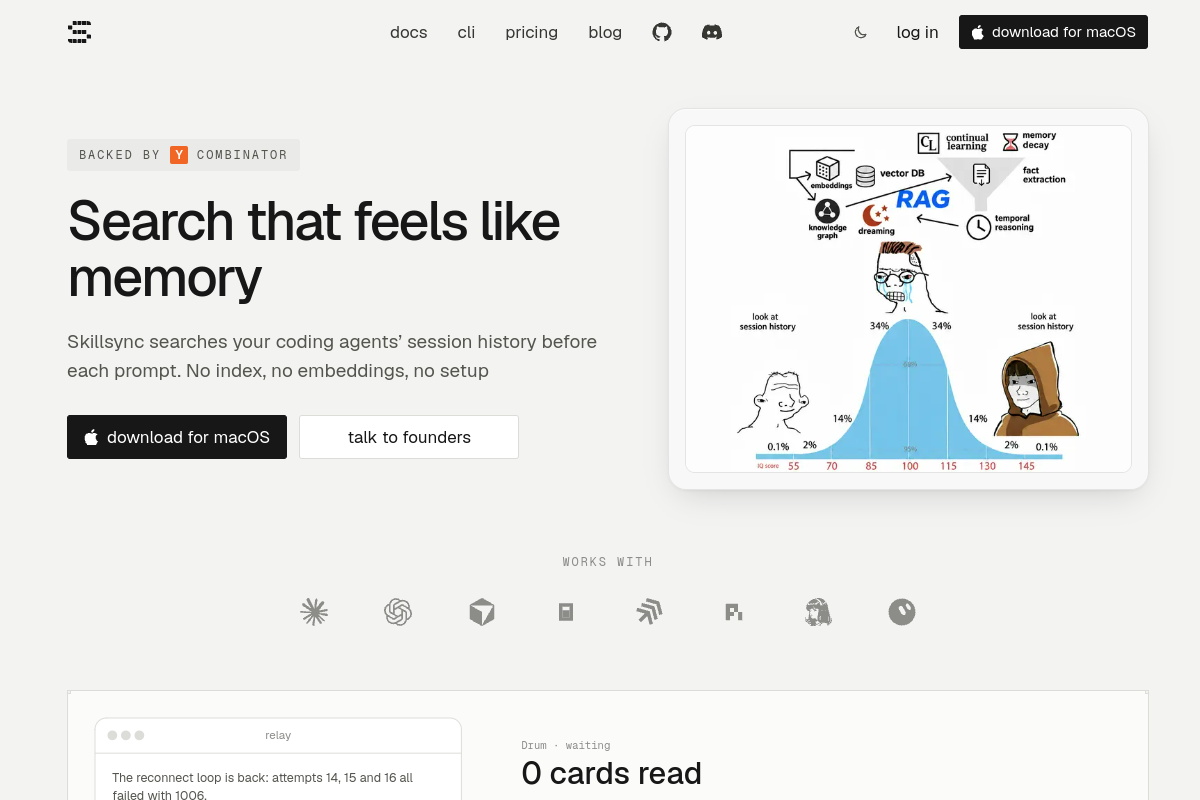
Skillsync is a native macOS application that runs a local, zero‑retention index of every Claude, Codex, Cursor, OpenCode, Amp, pi, Grok, and other LLM‑agent session stored on your machine. By hooking into each agent via lightweight plugins, it surfaces historical prompts, replies, and code snippets in real‑time, eliminating the need for manual copy‑pasting or external note‑taking. The platform positions itself as the “memory layer” for AI‑first workflows, letting developers and prompt engineers treat their session history as a searchable knowledge base.
When you type a new prompt, Skillsync streams the current input to a fast in‑process search engine that matches against the full text of prior sessions. Matching excerpts are returned as concise recollections with source links, which the active agent can ingest directly. The UI lives in the macOS menu bar and offers a global hotkey (⌥⇧Space) to surface results over any app. An optional REST API and CLI expose the same search capabilities for CI pipelines, while Slack integration lets teams query shared workspaces. All indexing happens locally; no data leaves the device unless explicitly shared.
Skillsync is built for prompt engineers, AI product teams, and developers who juggle multiple agents across projects. By cutting the “re‑prompt” loop, teams report up to 30% faster iteration cycles and a measurable reduction in duplicated effort. The free tier covers unlimited local search, while the Pro seat adds shared workspaces, skill libraries, and API access—making it ideal for small to mid‑size AI‑centric teams (2‑50 users).
Skillsync is a local search layer for AI agents. It installs lightweight plugins for each agent, indexes every prompt, response, and file path on your Mac, and then queries that index in real‑time as you type new prompts, returning relevant past snippets with source links.
Skillsync offers a free tier with unlimited local search. The Pro plan costs $20 per seat per month (billed monthly or annually with a 17% discount). A 5‑day free trial of Pro is available without requiring a credit card.
It’s ideal for prompt engineers, AI product developers, data scientists, and any team that works with multiple LLM agents and needs fast, private recall of prior sessions.
Skillsync runs as a native macOS app, integrates via plugins with Claude, Codex, Cursor, OpenCode, Amp, pi, Grok, and others, and offers a REST API, CLI, and Slack bot for broader workflow automation.