Make
9.0 / 10 BenchmarkVisual AI‑powered automation platform that connects 3,500+ apps in seconds

Visual AI‑powered automation platform that connects 3,500+ apps in seconds
| Pricing Model | Freemium |
|---|---|
| Starting Price | Free |
| Free Trial | Free Tier Available |
| Official Pricing Tiers | View Complete Pricing Plans → |
| Ideal Audience & Best For | Product Managers, Operations Engineers, Marketing Ops, IT & DevOps Teams, Enterprises |
| API & Integrations | REST API & Webhooks Ready |
| Community Upvotes | ▲ 37 votes by verified community members |
Make runs on a fully managed, cloud‑native architecture that stitches together any SaaS, database, or AI model via a visual “scenario” canvas. Each node executes as a server‑less micro‑action, billed by credits, while the platform handles scaling, security (SOC 2, GDPR) and real‑time observability. Positioned as the enterprise‑grade glue for AI agents and workflow automation, it lets teams replace custom code with drag‑and‑drop logic.
Users build workflows by prompting, dragging modules, or invoking the MCP (Make Control Plane) to call LLMs such as Claude, ChatGPT, Gemini, or any OpenAI‑compatible endpoint. Scenarios accept structured data (JSON, CSV, webhooks) and output to over 3,500 native connectors, custom HTTP calls, or inline JavaScript/Python snippets. Credits are consumed per action, and the built‑in observability layer shows live execution traces, logs, and performance metrics.
Make is ideal for product managers, operations engineers, marketing ops, and IT teams that need to orchestrate cross‑department processes at scale. Companies report up to 70 % reduction in manual hand‑offs, shaving weeks of development time to hours of configuration. The platform scales from a single‑person startup to enterprise‑wide deployments with role‑based governance and team templates.
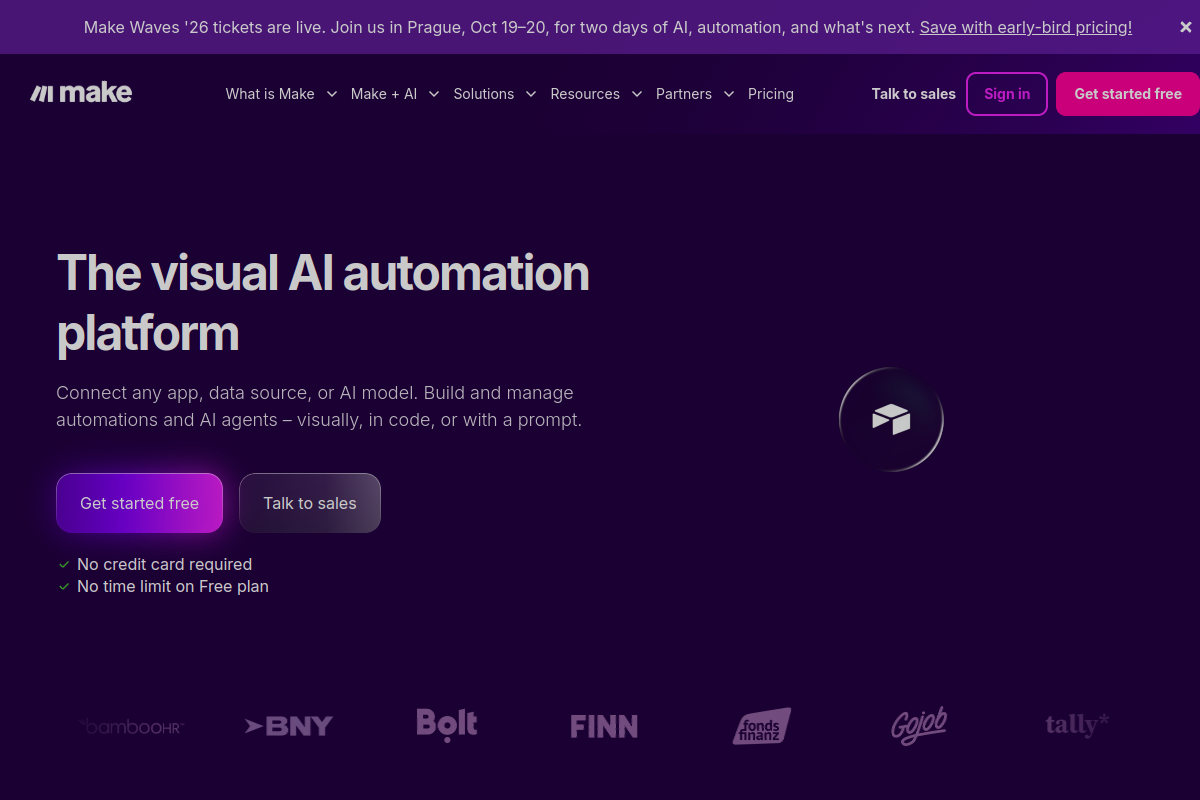
Make is a cloud‑based automation platform that lets you design visual workflows (scenarios) connecting any app, data source, or AI model. Each step runs as a server‑less action, consuming credits, while the platform handles scaling, security, and real‑time monitoring.
Make offers a free tier with 1,000 credits per month and no credit‑card requirement. Paid plans start at $16 /mo (Pro) with additional credits at $1.60 per 1,000 actions. All plans are credit‑based, and there is no time‑limited trial—free usage continues indefinitely.
Make is built for product managers, operations engineers, marketing operations, IT teams, and enterprises that need to automate repetitive cross‑app processes and embed AI agents without writing extensive code.
Make provides native connectors for 3,500+ SaaS apps (e.g., Salesforce, HubSpot, Slack, Google Workspace) and supports any REST API via HTTP modules. AI integrations include OpenAI, Claude, Gemini, DeepSeek, and custom LLM endpoints through the MCP. Access is via a web app and a full REST API.