M0saic
9.2 / 10 BenchmarkDeterministic video compiler that turns plain-text layouts into byte-identical MP4s via ffmpeg.

Deterministic video compiler that turns plain-text layouts into byte-identical MP4s via ffmpeg.
| Pricing Model | Freemium |
|---|---|
| Starting Price | Free |
| Free Trial | Free Tier Available |
| Official Pricing Tiers | View Complete Pricing Plans → |
| Ideal Audience & Best For | DevOps Engineers, Marketing Automation Developers, Data Journalists, B2B SaaS Founders |
| API & Integrations | REST API & Webhooks Ready |
| Community Upvotes | ▲ 30 votes by verified community members |
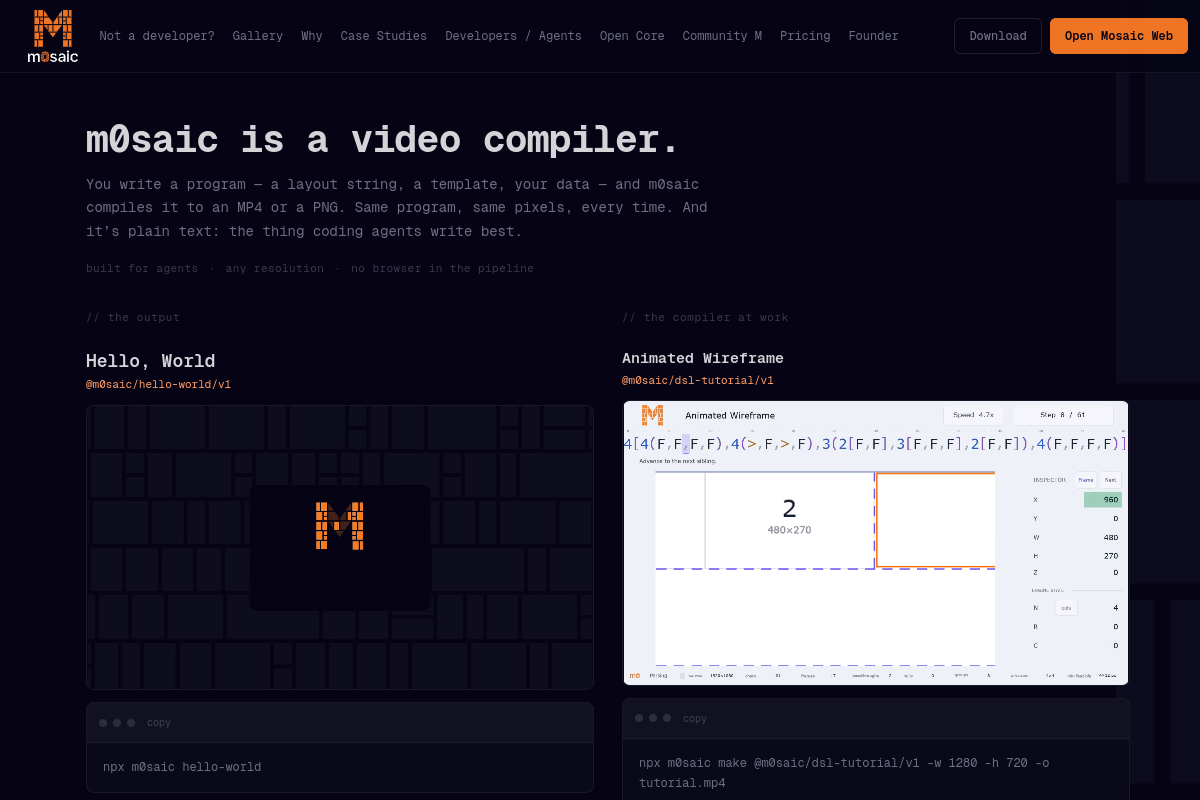
m0saic is a deterministic video compiler designed to solve the non-reproducibility and browser-dependency issues in programmatic video generation. By utilizing a plain-text layout language called 'm0', it compiles structured data and templates directly into MP4 or PNG files using ffmpeg, ensuring that the same program always produces byte-identical pixels. This architecture eliminates the need for headless browsers in the rendering pipeline, making it highly efficient for CI/CD integration and automated media workflows.
The core workflow involves writing a layout string that defines canvas subdivisions using simple operators (e.g., N for column, F for tile) and mapping JSON data to these content slots. Users can leverage a library of open templates or create custom ones, which are agent-writable and reviewed via a code-based gate. The system supports any resolution and integrates seamlessly with coding agents, allowing for the automated generation of complex visual assets like KPI cards, QR codes, and scroll walls without manual design intervention.
m0saic is best suited for developers, DevOps engineers, and marketing automation teams who require reliable, scalable video generation for data-driven content. It offers significant ROI by reducing the time spent on manual video editing and ensuring consistent branding across thousands of generated assets. Ideal for teams ranging from individual developers to enterprises looking to automate media production pipelines with zero browser overhead.
m0saic is a deterministic video compiler that takes a plain-text layout program (written in the m0 language) and data, then compiles them into an MP4 or PNG using ffmpeg. It ensures that the same input always produces the exact same output pixels, without relying on browser rendering.
m0saic is free to use with a small attribution QR mark on the output. The Pro plan costs $12/month (billed annually) or $15/month, which removes the attribution mark. There are no feature locks; all templates and resolutions are available on all tiers.
It is best suited for developers, DevOps engineers, and marketing automation teams who need to generate large volumes of consistent, data-driven video assets programmatically. It is also ideal for teams integrating video generation into CI/CD pipelines.
m0saic supports a CLI for command-line usage, a Web Editor for browser-based interaction, and a Desktop App. It integrates with coding agents and CI/CD systems via its plain-text, file-based workflow and ffmpeg backend.