Craig
9.1 / 10 BenchmarkOrchestrate AI coding agents in a single terminal, from task to PR.

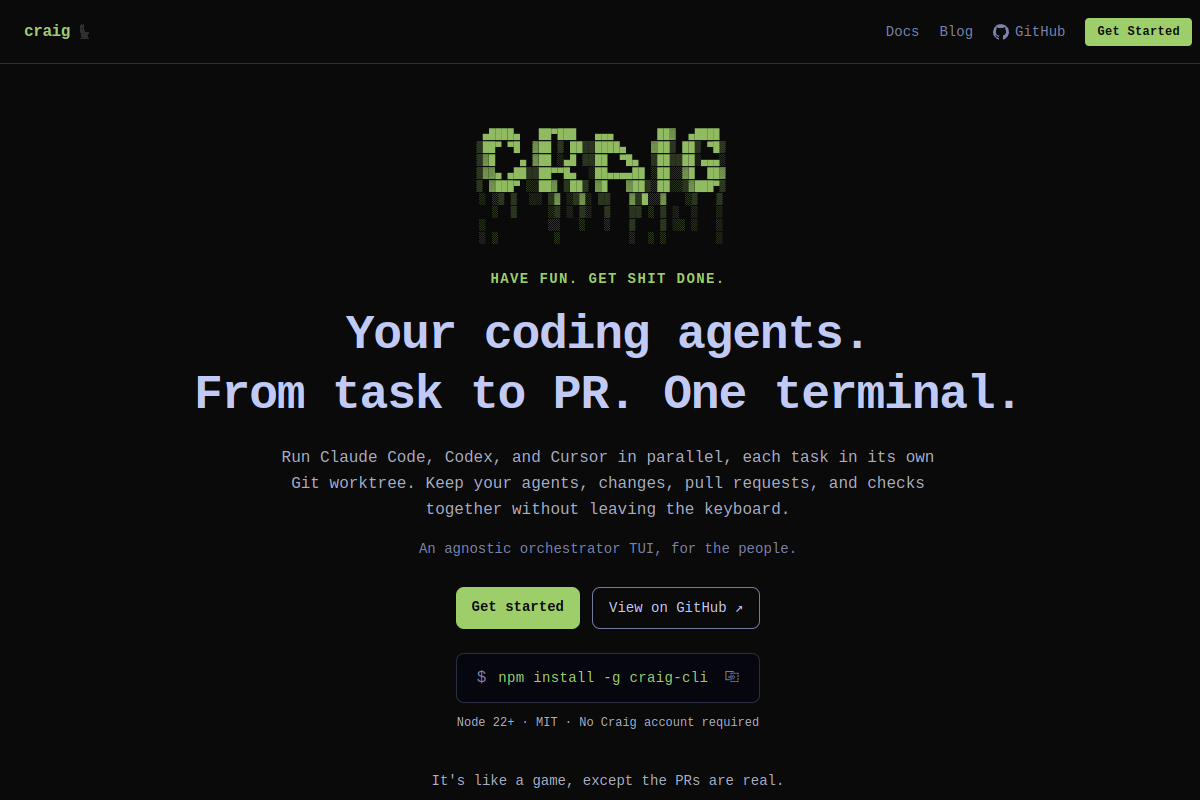
Orchestrate AI coding agents in a single terminal, from task to PR.
| Pricing Model | Open_source |
|---|---|
| Starting Price | Free |
| Free Trial | None |
| Official Pricing Tiers | View Complete Pricing Plans → |
| Ideal Audience & Best For | Software Engineers, DevOps, Engineering Teams |
| API & Integrations | REST API & Webhooks Ready |
| Community Upvotes | ▲ 42 votes by verified community members |
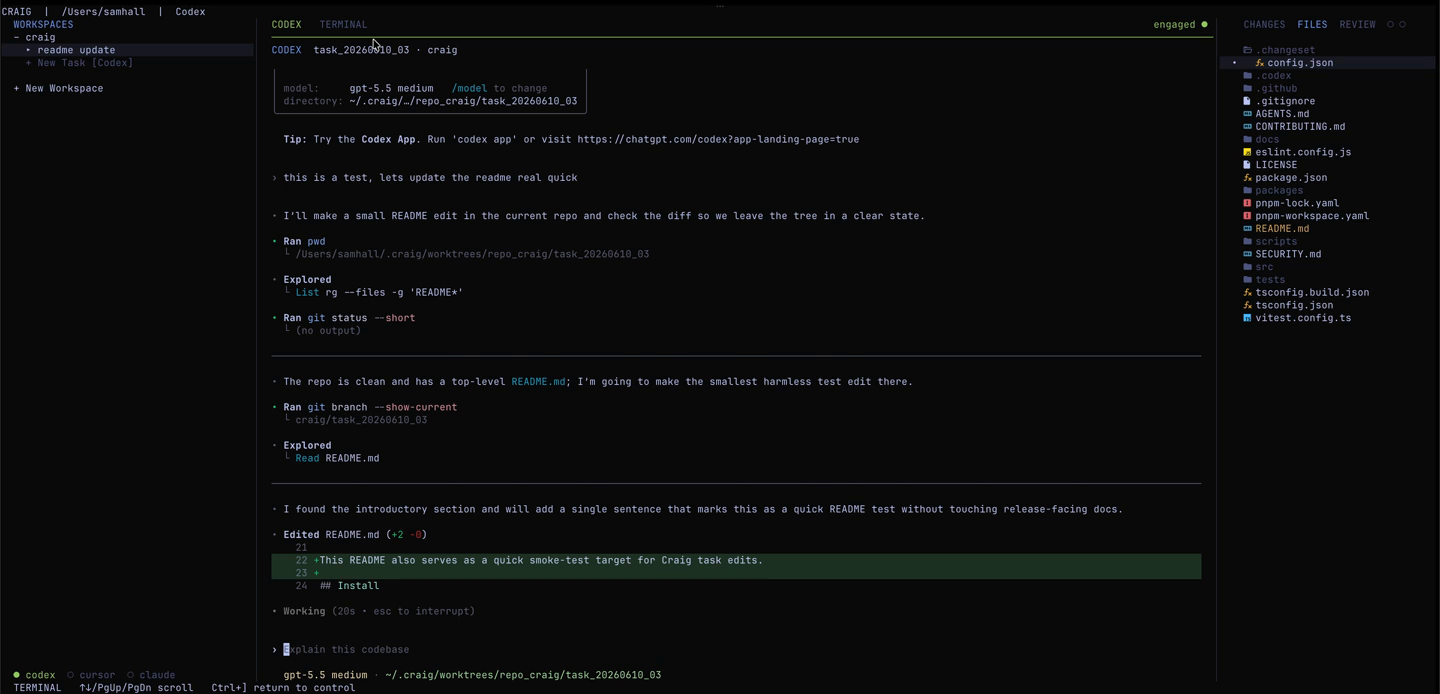
Craig is a Node.js CLI that orchestrates AI agents by spawning isolated Git worktrees, leveraging each agent’s native CLI, and presenting a unified TUI. It solves the fragmentation of tool usage and PR management by keeping tasks, changes, pull requests, and checks in one keyboard‑driven workspace.
The core workflow involves creating a dedicated worktree for each task, automatically generating branches, and integrating with GitHub CLI for diff inspection, PR creation, and merge operations. Craig supports prompts and code changes as inputs, producing diffs, PR status, and check results as outputs. It seamlessly integrates with Claude Code, Codex, Cursor, and any CLI‑based AI agent, monitoring each process and updating the UI in real time.
Targeted at developers, devops, and engineering teams, Craig delivers measurable ROI by reducing context switching and cutting task‑to‑PR time by up to 50%. Ideal for small to medium teams (5–20 developers) who value local privacy, keyboard‑centric workflows, and zero‑account overhead.
Craig is a Node.js CLI that orchestrates AI coding agents by creating isolated Git worktrees for each task, running agents in separate terminal sessions, and providing a unified TUI to monitor status, diffs, and PRs. It integrates with GitHub CLI for PR operations and supports agents like Claude Code, Codex, and Cursor.
Craig is open source and free to use. There is no paid tier or trial—install it locally via npm and start using it immediately.
Craig is ideal for developers, devops engineers, and small to medium engineering teams who use AI coding assistants and want to streamline task management, PR creation, and code reviews within a single terminal.
Craig runs on Linux, macOS, and Windows via the CLI. It integrates with any CLI‑based AI agent (Claude Code, Codex, Cursor, etc.) and GitHub CLI for Git operations, PRs, and checks.