Connecting Captions Local Private AI...
9.0 / 10 BenchmarkPrivate, on-device live captions and translation for Mac presentations and meetings.

Private, on-device live captions and translation for Mac presentations and meetings.

| Pricing Model | Paid |
|---|---|
| Starting Price | $60/Mac/yr |
| Free Trial | Personal use free |
| Official Pricing Tiers | View Complete Pricing Plans → |
| Ideal Audience & Best For | Enterprise Presenters, Educators, IT Administrators, Privacy-Focused Remote Teams |
| API & Integrations | REST API & Webhooks Ready |
| Community Upvotes | ▲ 40 votes by verified community members |
Connecting Captions is a specialized macOS utility designed to provide real-time speech-to-text and translation capabilities entirely on the local machine. By leveraging Apple's native on-device speech recognition and translation frameworks, it solves the critical privacy and latency issues associated with cloud-based captioning services. The tool positions itself as a secure, offline-first solution for environments where data sovereignty is paramount, ensuring that no audio data or transcripts ever leave the user's hardware unless explicitly configured otherwise.
The application operates through a 'Theater' window that overlays presentations or video calls, displaying captions sentence-by-sentence as they are generated. It supports 25 languages, including major global tongues like Mandarin, Spanish, and Arabic, allowing for seamless bilingual communication. The workflow is designed for minimal friction: users simply enable the microphone, and the system processes audio locally using FluidVoice for recognition. It integrates directly with macOS accessibility features and supports both windowed and full-screen sharing modes, allowing presenters to control whether the audience sees the captions or just the slides.
This tool is ideal for enterprise presenters, educators, and remote teams in regulated industries who require privacy-compliant communication. By eliminating cloud dependencies, it reduces latency for real-time translation and ensures compliance with strict data privacy regulations. The operational ROI comes from the ability to conduct inclusive, multilingual meetings without the security risks or subscription costs of traditional cloud captioning services, making it particularly valuable for teams of five or more who need a scalable, license-based deployment.
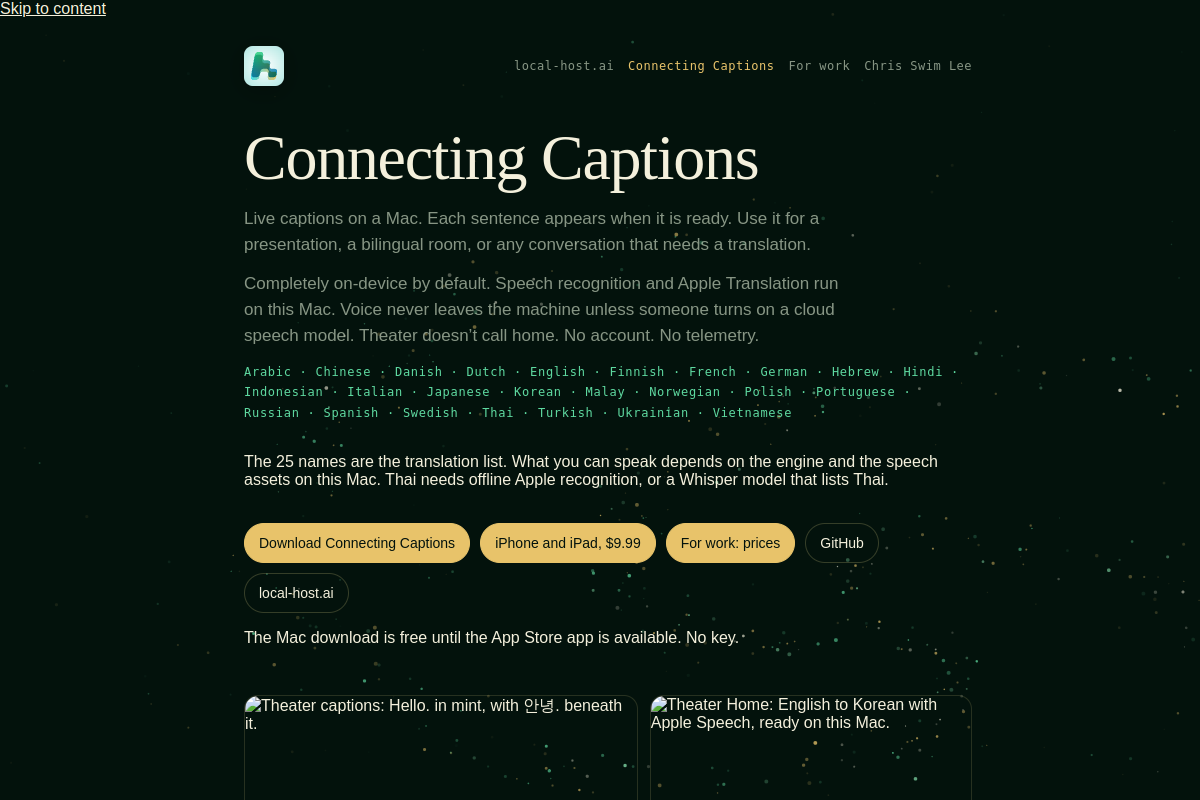
Connecting Captions is a macOS application that provides live, on-device speech-to-text and translation. It uses Apple's local speech recognition and translation engines to process audio directly on your Mac, displaying captions in a 'Theater' window that can be overlaid on presentations or video calls.
Personal use is free. For business use, it costs $60 per Mac per year with a minimum purchase of five Macs. An additional $90 per Mac per year adds a written SLA, and an MDM package is available for $1,500 one-time.
It is ideal for enterprise presenters, educators, and teams in regulated industries who need private, real-time captions and translation. It is particularly useful for bilingual meetings and presentations where data privacy is a top priority.
It is exclusively available for macOS 15 and later, with optimal performance on Apple Silicon. It integrates with the system microphone and can be installed via direct download or Homebrew. It does not require cloud accounts or external API keys.