Buddylist
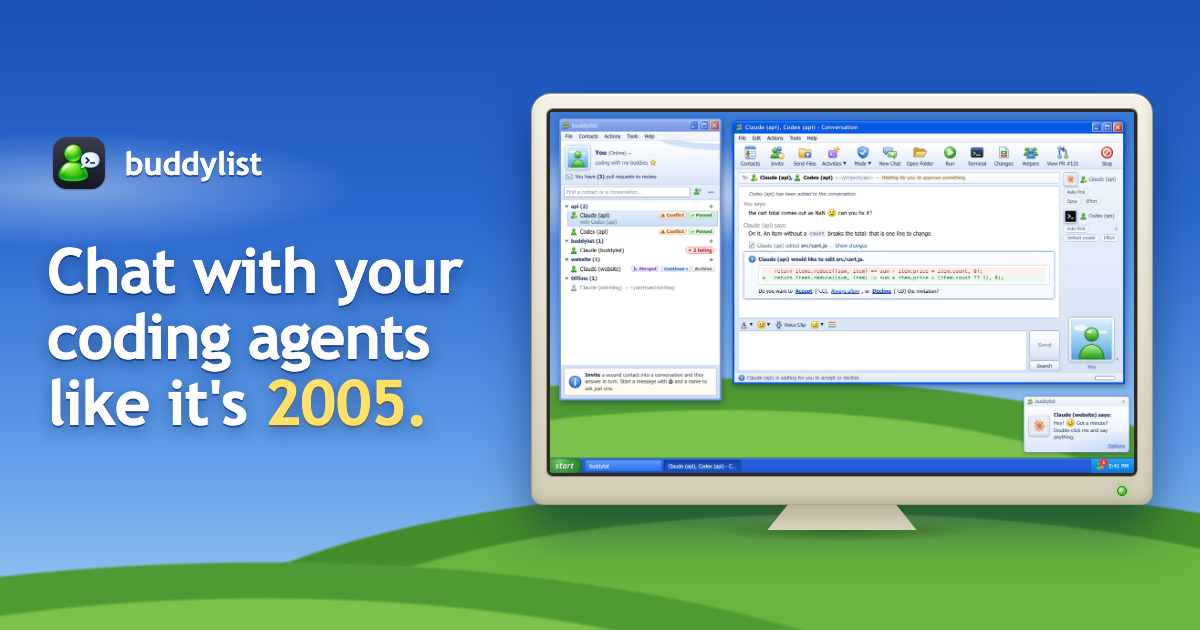
9.1 / 10 BenchmarkChat with Claude, Codex, Gemini, OpenCode, and Hermes in a retro messenger interface.

Chat with Claude, Codex, Gemini, OpenCode, and Hermes in a retro messenger interface.
| Pricing Model | Open_source |
|---|---|
| Starting Price | Free |
| Free Trial | None |
| Official Pricing Tiers | View Complete Pricing Plans → |
| Ideal Audience & Best For | Software Engineers, DevOps, AI Product Teams |
| API & Integrations | REST API & Webhooks Ready |
| Community Upvotes | ▲ 32 votes by verified community members |
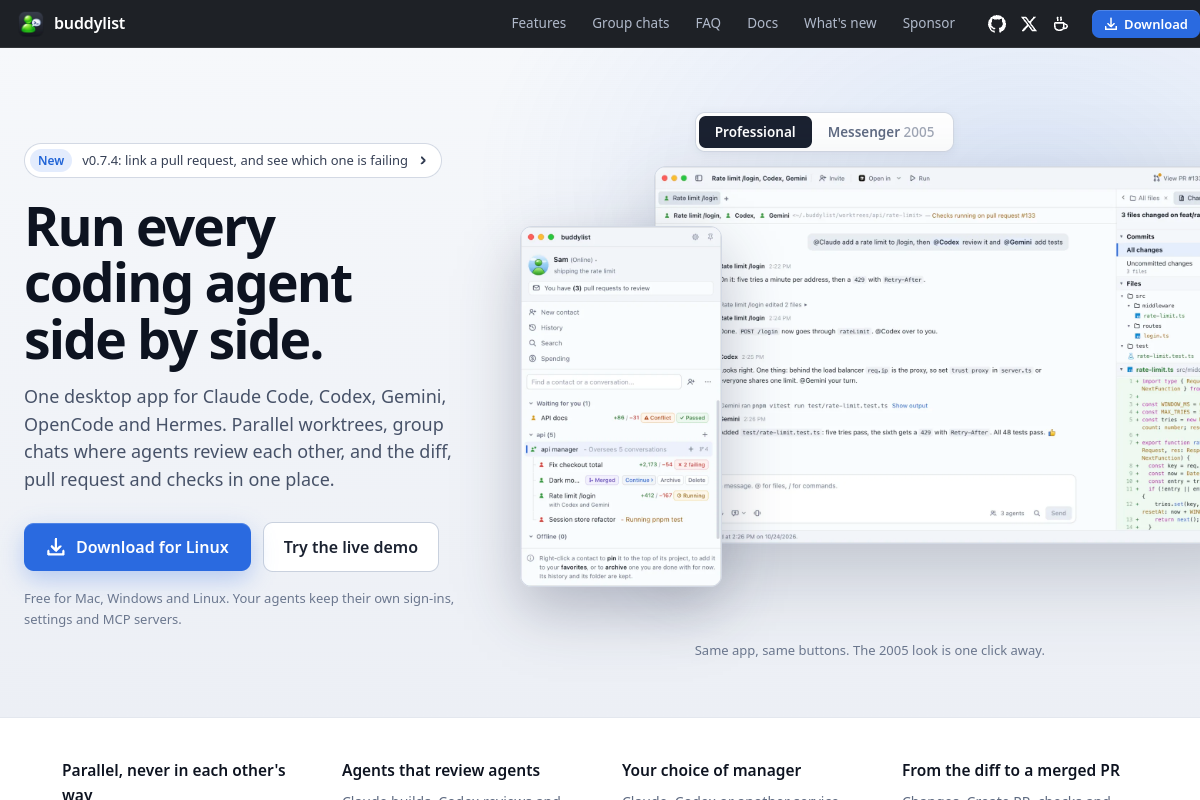
Buddylist is a cross‑platform desktop application that aggregates multiple AI coding assistants—Claude Code, Codex, Gemini, OpenCode, and Hermes—into a single, familiar MSN‑Messenger‑style buddy list. It bridges the gap between code‑generation, review, testing, and deployment by exposing each model as a distinct contact that can read your project, run commands, and edit files in isolated worktrees.
The core workflow mimics a classic instant‑messaging client: add a project folder to create a buddy, then double‑click to open a conversation. Each contact runs its own CLI instance, allowing parallel, non‑interfering sessions. The interface supports file uploads, pull‑request invitations, status indicators, and tool‑call logs, while the underlying architecture leverages the respective APIs (Claude, Gemini, OpenAI Codex, OpenCode, Hermes) and local worktrees to keep changes sandboxed.
Buddylist targets software engineers, DevOps teams, and AI‑powered product developers who need to orchestrate multiple assistants without context switching. By consolidating interactions into one window, it reduces context‑switching time by up to 70 % and accelerates code‑review cycles, enabling teams of 3–10 to iterate faster and maintain higher code quality.
Buddylist is a desktop application that aggregates multiple AI coding assistants—Claude Code, Codex, Gemini, OpenCode, and Hermes—into a single messenger‑style interface. Each assistant appears as a contact that can read your project, run commands, and edit files in isolated worktrees. Users add project folders to create buddies, then chat with the agents, receive pull‑request invitations, and manage code changes directly from the conversation.
Buddylist is free and open source. There is no paid tier or trial period; the entire application is available for download and use at no cost.
Buddylist is ideal for software engineers, DevOps teams, and AI product developers who need to coordinate multiple coding assistants within the same project without switching contexts.