Interface & Product Gallery

Product Specifications

Pricing Model Freemium
Starting Price Free
Free Trial Free Tier Available
Official Pricing Tiers View Complete Pricing Plans →
Ideal Audience & Best For Privacy-Conscious Professionals, Developers, Small Teams, Digital Minimalists
API & Integrations REST API & Webhooks Ready
Community Upvotes ▲ 40 votes by verified community members

Core Capabilities & Features

Local-First Architecture: All data is stored and processed on the user's device by default, ensuring zero latency, full offline capability, and complete data sovereignty without relying on cloud servers for basic operations.
End-to-End Encrypted Sync: Optional cloud plans provide seamless synchronization of encrypted data across devices and team members, ensuring that even the service provider cannot access the content of notes, files, or messages.
Unified Productivity Suite: Integrates Markdown notes, journals, tasks, calendars, spreadsheets, documents, slides, and an infinite canvas into a single interface, eliminating the need to switch between multiple specialized applications.
Bring Your Own AI (Pax): A built-in AI assistant that supports BYOK connections to major LLM providers (Anthropic, OpenAI, Google) and local models via Ollama, allowing users to leverage AI capabilities without sending data to Blackbear's servers.
Real-Time Collaboration: Supports live co-editing on notes, documents, sheets, and canvases, along with encrypted video calls and meeting rooms, enabling secure team collaboration without exposing content to third-party platforms.
Advanced CLI and Agent Support: Includes a command-line interface (bb) and MCP (Model Context Protocol) support, allowing developers to automate workflows, integrate with other tools, and build custom agents on top of their Blackbear data.
Multi-Format Media Handling: Natively supports reading EPUB, MOBI, and PDF files with annotations, editing images without uploading them to the cloud, and recording voice memos, creating a comprehensive digital library and media workspace.

About Blackbear.app

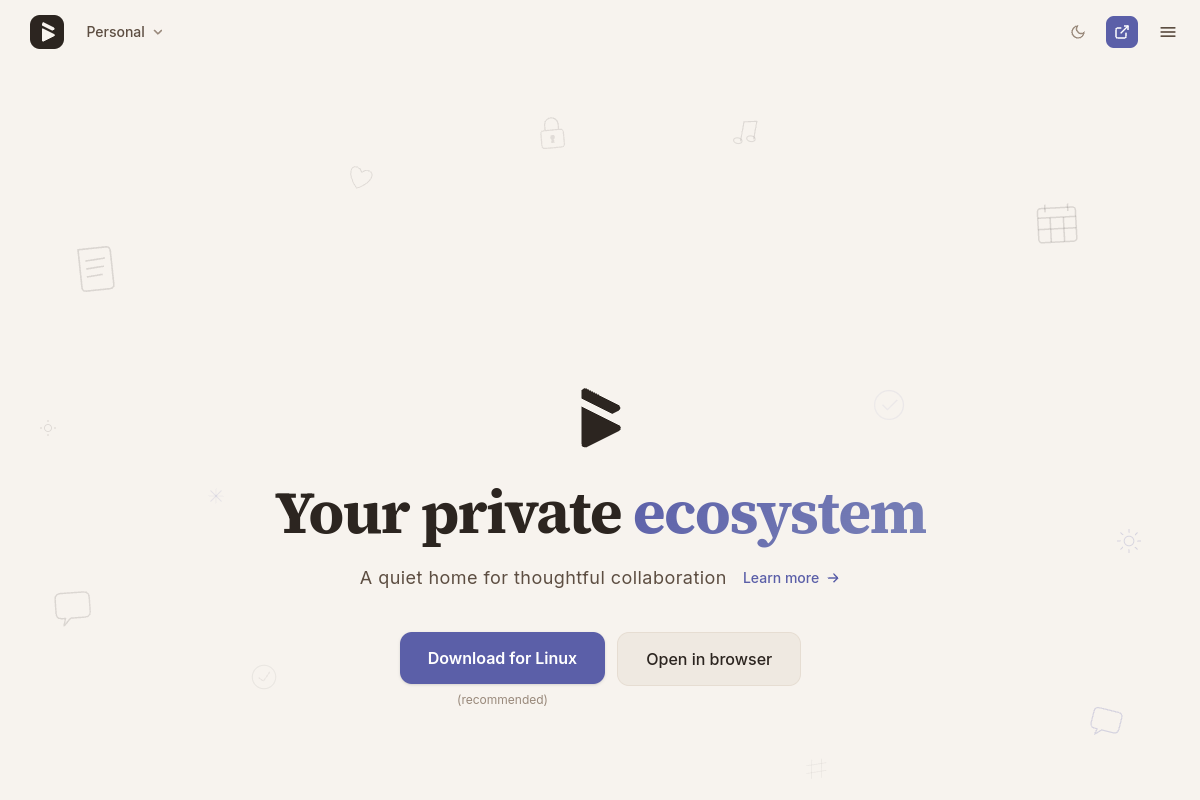
Blackbear is a local-first, privacy-centric productivity suite that consolidates notes, journals, calendars, tasks, spreadsheets, and messaging into a single application. By prioritizing on-device data storage and end-to-end encryption, it solves the fragmentation of productivity tools while eliminating third-party data tracking and surveillance risks. It positions itself as a secure, self-sovereign alternative to cloud-heavy suites like Notion or Microsoft 365, ensuring user data remains private by default.

The platform features a rich set of native editors including Markdown notes with wiki-links, WYSIWYG documents, spreadsheets with formulas and charts, and an infinite canvas for diagrams. It supports real-time collaboration, encrypted video calls, and a built-in AI companion named Pax that supports Bring Your Own Key (BYOK) integrations with Anthropic, OpenAI, and local models via Ollama. Users can manage workflows through natural language task scheduling, sync with Google and iCloud calendars, and access a CLI tool for advanced automation and agent integration.

Blackbear is ideal for privacy-conscious professionals, developers, and small teams who require a unified workspace without compromising data sovereignty. It offers significant ROI by reducing subscription costs for multiple single-purpose apps and eliminating the security overhead of managing disparate cloud services. The local-first architecture ensures zero latency for core operations and full offline capability, making it suitable for individuals and teams of any size who value digital autonomy and long-term data portability.

Top Alternatives to Blackbear.app

View all in category →
Checkobot
Checkobot Free Tier • Pro $12/mo • API $49/mo

Instantly verify if an image is AI‑generated or edited, with transparent verdicts.

▲ 0 upvotes Compare →
Anvil, offline LLM chat and SDXL ima...
Anvil, offline LLM chat and SDXL ima... Freemium • Free / Contact for pricing

Offline AI assistant for iPhone, iPad, and Mac—chat, notes, and image creation, all on-device.

▲ 0 upvotes Compare →

Verified User Reviews

0 community review(s)
No user reviews posted yet. Be the first to share your experience with Blackbear.app!

Editorial Pros & Cons

Key Advantages (Pros)

  • Superior Privacy: Local-first design and E2E encryption ensure data is never exposed to third parties or the vendor, addressing critical security concerns for sensitive information.
  • Cost-Effective Consolidation: Replaces multiple SaaS subscriptions (Notion, Slack, Zoom, Sheets) with a single, affordable or free tool, significantly reducing operational costs.
  • Offline Capability: Full functionality without internet connectivity, making it ideal for remote work, travel, or environments with unstable network access.
  • Developer Flexibility: The inclusion of a CLI and MCP support allows for deep automation and integration with custom development workflows, appealing to technical users.

Considerations (Cons)

  • Learning Curve: The breadth of features (notes, sheets, canvas, calls) may overwhelm users accustomed to single-purpose tools, requiring time to master the unified interface.
  • Limited Enterprise Features: Lacks advanced enterprise-grade admin controls, SSO, and compliance certifications (like SOC 2) that large corporations typically require for standardized deployment.

Supported Platforms & Integrations

Web App Mac Windows Linux CLI REST API

Frequently Asked Questions

What is Blackbear and how does it work?

Blackbear is a local-first, all-in-one productivity app that combines notes, tasks, calendars, and messaging. It works by storing data on your device by default, with optional end-to-end encrypted cloud sync for cross-device access and collaboration.

How much does Blackbear cost and is there a free trial?

The core application is free forever with all features available locally. Optional cloud sync plans start at $2/month (billed monthly) or $19/year, offering encrypted data synchronization and collaboration features.

Who is Blackbear best suited for?

It is best suited for privacy-conscious individuals, developers, and small teams who want a unified, secure workspace without relying on large cloud providers or sacrificing data ownership.

What integrations and platforms does Blackbear support?

Blackbear supports Google and iCloud calendar sync, BYOK AI integrations (OpenAI, Anthropic, Ollama), and offers a CLI for automation. It is available as a web app and desktop application for Mac, Windows, and Linux.