barn.app
9.1 / 10 BenchmarkInstantly focus on the right AI coding agent tab from your macOS menu bar

Instantly focus on the right AI coding agent tab from your macOS menu bar
| Pricing Model | Open_source |
|---|---|
| Starting Price | Free |
| Free Trial | None |
| Official Pricing Tiers | View Complete Pricing Plans → |
| Ideal Audience & Best For | AI Developers, DevOps Engineers, Data Scientists, Machine Learning Engineers |
| API & Integrations | REST API & Webhooks Ready |
| Community Upvotes | ▲ 25 votes by verified community members |
barn is a lightweight macOS menu‑bar utility that watches the process table and agent session files to keep a live map of every AI coding agent running on your machine. It solves the chaos of juggling multiple terminal tabs, editors, and AI assistants by providing instant focus and status visibility, positioning itself as the central hub for AI‑powered development workflows.
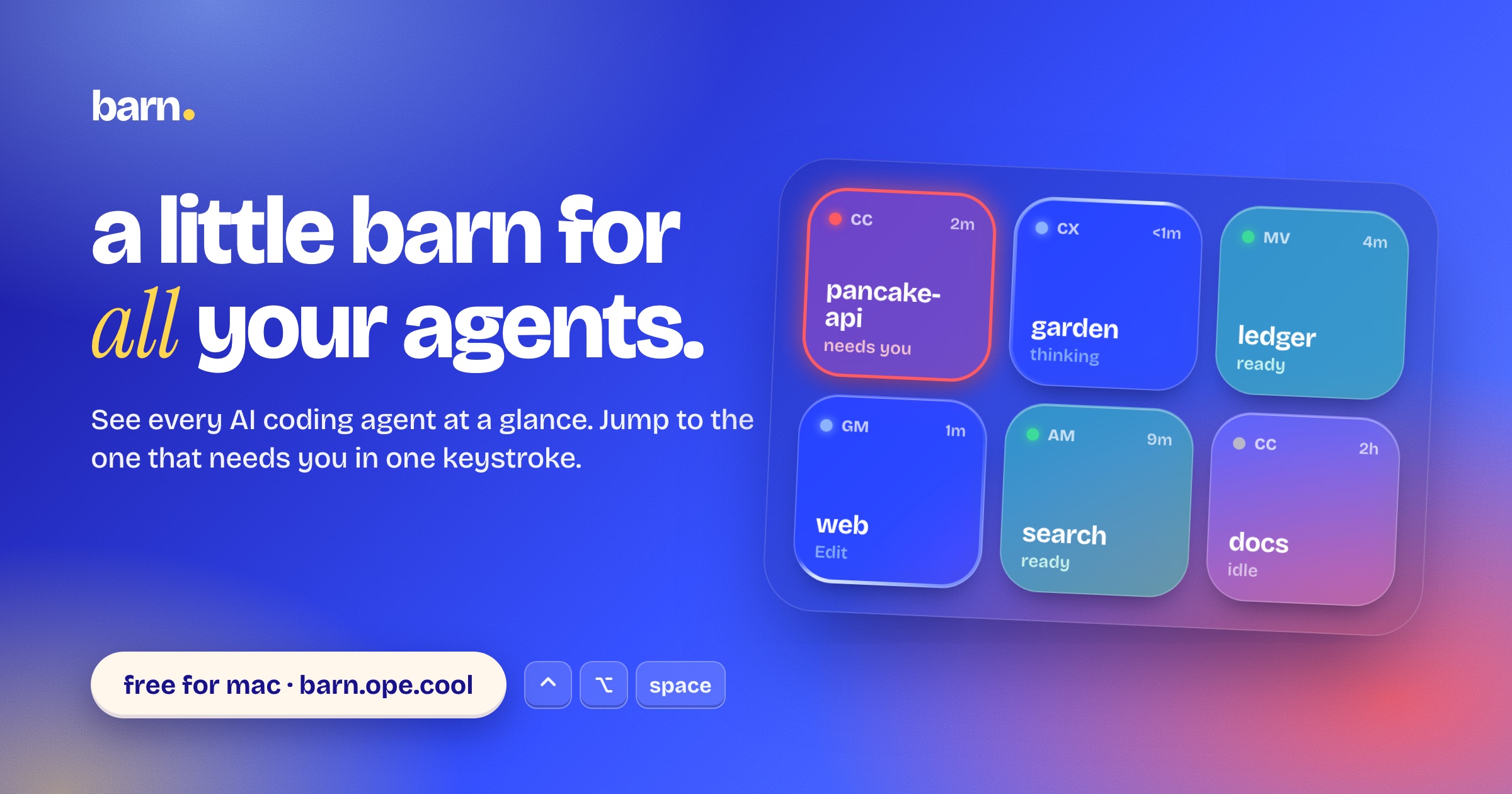
From the moment an agent starts, barn auto‑detects it, reads its own JSON status hooks, and updates a real‑time list in the menu bar. Users can click an entry, press ⌃⌥Space to launch a Spotlight‑style switcher, or use ⌘1–9 shortcuts to jump directly to the relevant terminal split, tmux pane, or editor window. Notifications surface when an agent requests permissions or user input, and a floating deck shows a glass‑tile status board across all desktops.
Barn is ideal for AI developers, DevOps engineers, and data scientists who run multiple Claude, Codex, Gemini, Mistral, or custom agents simultaneously. By eliminating manual tab switching and idle wait times, it can cut context‑switching overhead by up to 70%, freeing developers to focus on code. Small to medium teams (5–20 people) benefit most, but any single developer can gain immediate productivity gains.
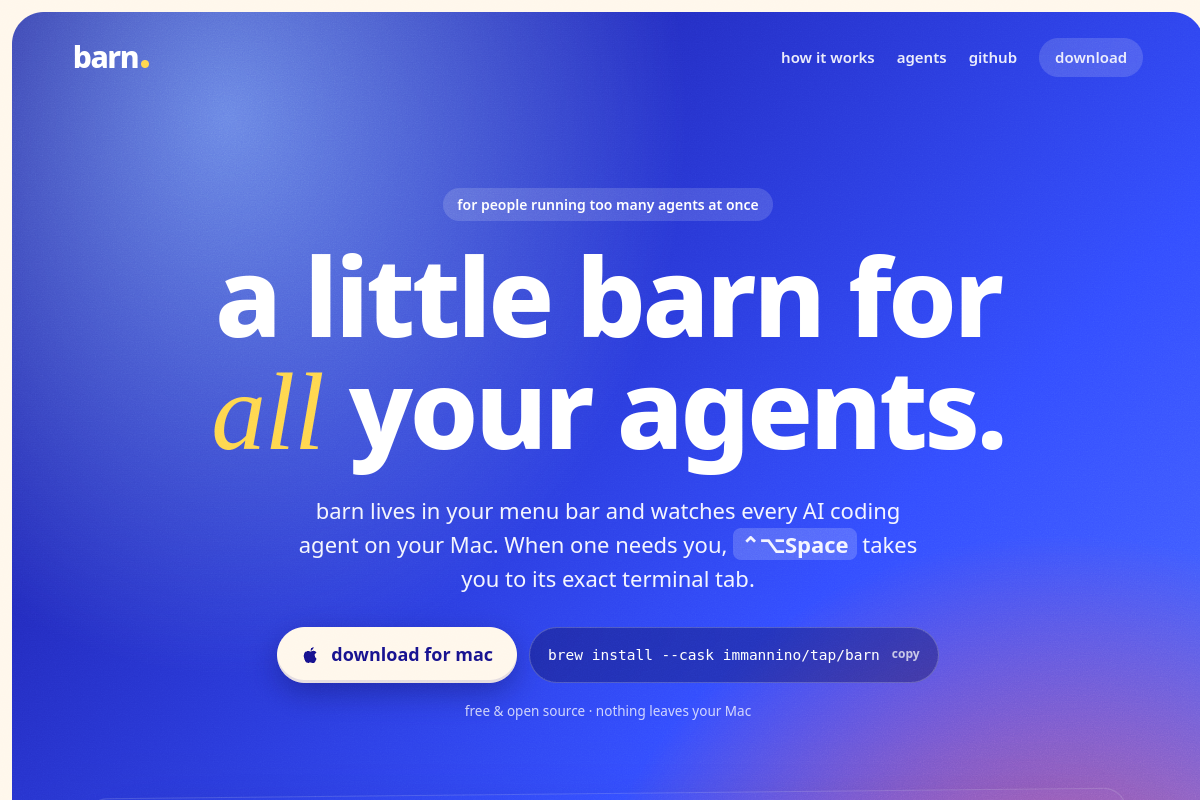
barn is a macOS menu‑bar app that watches the process table and agent session files to detect AI coding agents. It updates a live list, brings the correct terminal tab or editor window to the front, and notifies you when an agent needs input.
barn is free and open source. There is no paid tier or trial period—download it directly from the GitHub releases or via Homebrew.
barn is ideal for AI developers, DevOps engineers, and data scientists who run multiple Claude, Codex, Gemini, Mistral, or custom agents simultaneously and want to reduce context‑switching overhead.
barn supports Ghostty, iTerm2, Terminal.app, tmux, VS Code, Cursor, Windsurf, and Zed on macOS. It can also hook into any agent that writes a JSON status file to ~/.barn/status.