Anjadhe
8.9 / 10 BenchmarkLocal-first personal AI for Mac that manages life admin with your explicit consent.

Local-first personal AI for Mac that manages life admin with your explicit consent.

| Pricing Model | Paid |
|---|---|
| Starting Price | Contact for pricing |
| Free Trial | Demo Available |
| Official Pricing Tiers | View Complete Pricing Plans → |
| Ideal Audience & Best For | Privacy-Conscious Professionals, Freelancers, Mac Users, Individuals with High Admin Load |
| API & Integrations | REST API & Webhooks Ready |
| Community Upvotes | ▲ 33 votes by verified community members |
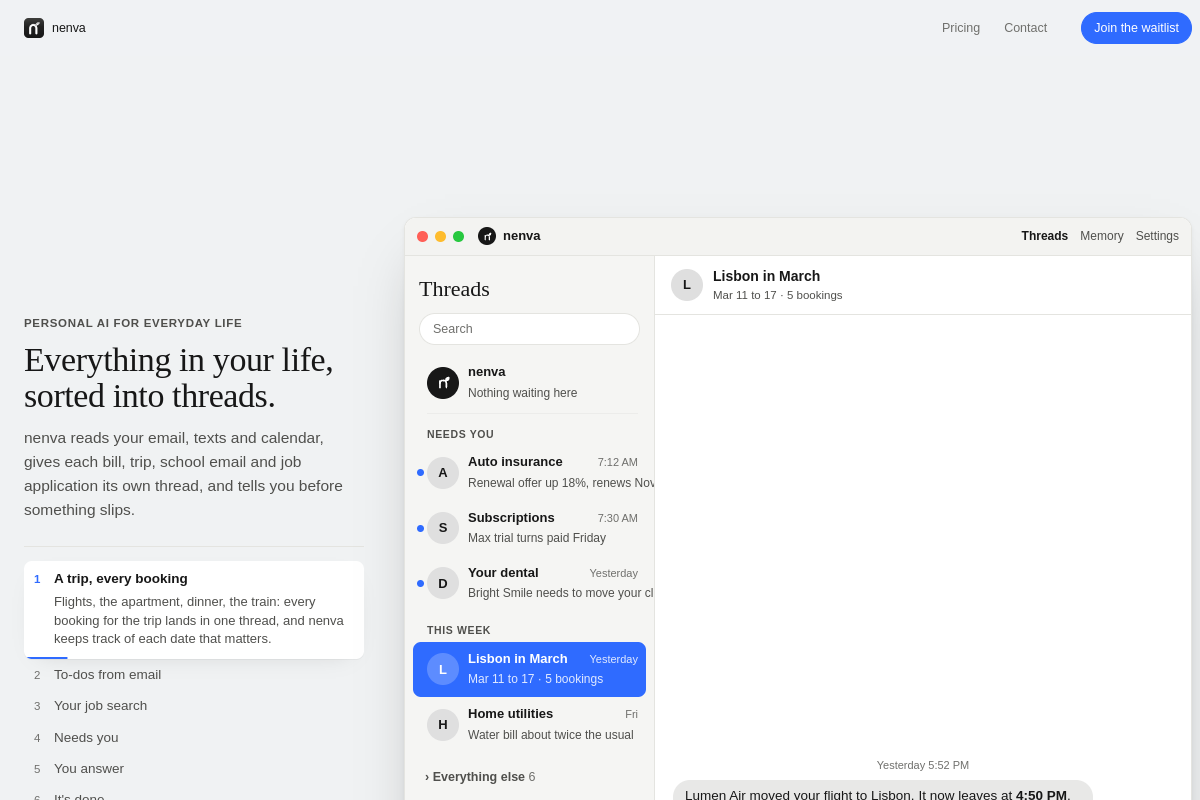
nenva is a privacy-centric personal AI assistant designed exclusively for macOS, positioning itself as a local-first alternative to cloud-dependent productivity tools. Its technical architecture prioritizes data sovereignty by keeping user records on the local machine, with the option to run AI models entirely on-device to ensure zero data leakage. The platform solves the problem of cognitive overload in personal life management by acting as an autonomous yet controlled agent that handles the friction of daily administrative tasks.
The core workflow involves integrating with Google Workspace (Gmail and Calendar) to ingest incoming emails, identify bills, deadlines, and social obligations, and present them in a unified interface. nenva operates on a 'prepare, then confirm' model; it drafts replies, identifies actionable items, and suggests calendar updates, but requires explicit user approval before sending emails, moving items to trash, or booking appointments. The system learns user preferences through natural language interactions rather than rigid configuration forms, allowing it to adapt to individual communication styles and priorities over time.
nenva is best suited for privacy-conscious professionals, freelancers, and individuals who struggle with 'life admin' and want to reclaim mental bandwidth. By automating the triage of emails and calendar management while maintaining strict human-in-the-loop control, it offers measurable time savings in daily routine management. It is ideal for solo users or small teams who prioritize data ownership and require a low-friction, intuitive interface that does not demand technical expertise to operate.
nenva is a personal AI assistant for macOS that helps manage daily life admin tasks like emails, bills, and appointments. It integrates with Google Workspace to read and organize your data, learns your preferences through conversation, and prepares actions for your approval before executing them.
Pricing details are not publicly listed on the homepage, suggesting a direct sales or contact-based model. A demo is available at the provided URL, allowing users to experience the product before purchasing.
nenva is ideal for privacy-conscious Mac users who want to automate personal administrative tasks without sacrificing data ownership. It is particularly useful for professionals and freelancers who need to manage high volumes of email and calendar events efficiently.
nenva is designed for macOS and integrates deeply with Google Workspace, specifically Gmail and Google Calendar. It does not currently support other operating systems or non-Google email/calendar providers.