AI Photo Editor No Sign Up
9.0 / 10 BenchmarkInstant AI-powered photo editing—no sign‑up, no limits.

Instant AI-powered photo editing—no sign‑up, no limits.

| Pricing Model | Paid |
|---|---|
| Starting Price | $7 |
| Free Trial | None |
| Official Pricing Tiers | View Complete Pricing Plans → |
| Ideal Audience & Best For | E‑commerce sellers, social media managers, content creators |
| API & Integrations | REST API & Webhooks Ready |
| Community Upvotes | ▲ 37 votes by verified community members |
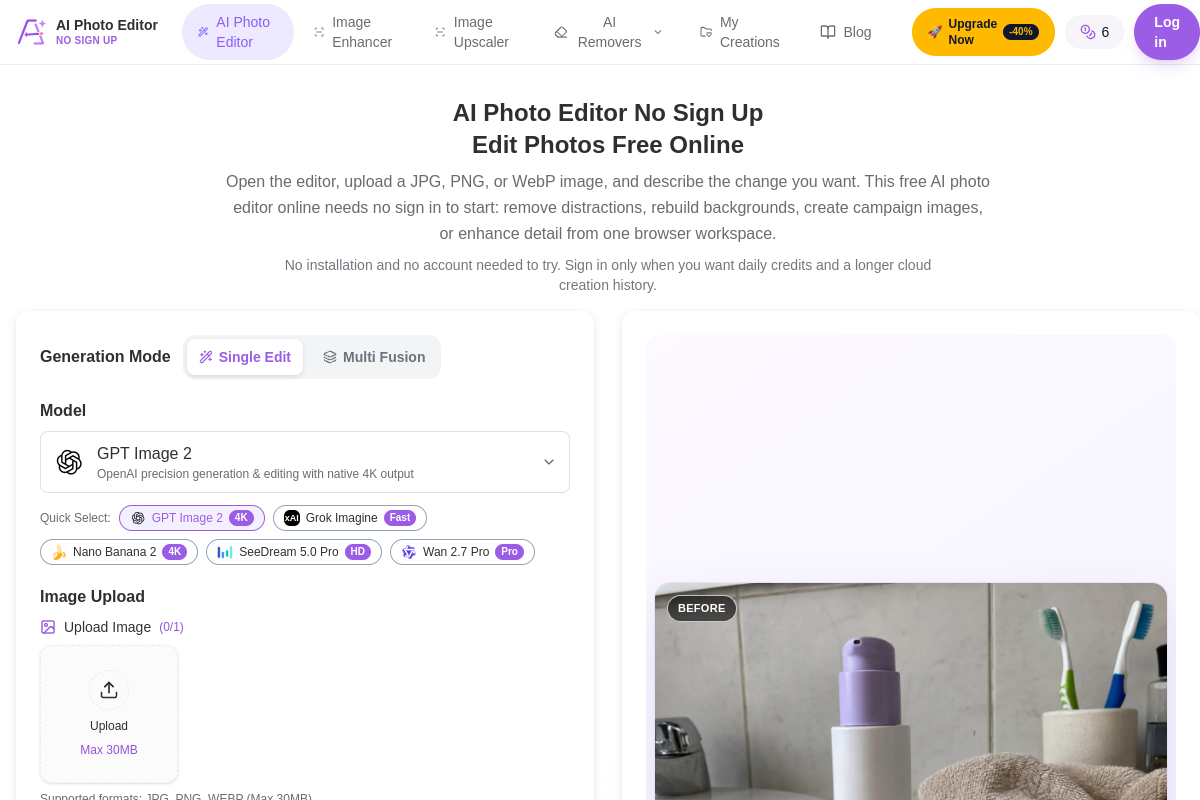
AI Photo Editor No Sign Up is a browser‑based image editing platform that leverages OpenAI’s GPT‑Image‑2 and proprietary generative models to perform object removal, background replacement, style transfer, and photo restoration without the need for user registration. The service operates on a credit‑based architecture, where each edit consumes a fractional credit, and credits are purchased via a one‑time payment or daily free allotment. This positioning makes it a lightweight, zero‑friction alternative to heavyweight desktop editors.
Core workflows involve uploading a JPG, PNG, or WebP file (max 30 MB), selecting a prompt such as “remove the red suitcase” or “replace background with marble,” and optionally specifying aspect ratio and resolution (1K–4K). The editor supports a range of generative fill modes—Single Edit, Multi Fusion, and GPT‑Image‑2 4K—while offering quick‑select presets like xAI Grok and SeeDream. The underlying models perform in‑painting and out‑painting, preserving edge fidelity and color consistency, and the output can be downloaded directly or accessed via a REST API for integration.
The tool targets e‑commerce sellers, social media managers, and content creators who need rapid, high‑quality product shots and marketing visuals. By eliminating manual masking and background editing, users can reduce post‑production time by up to 70 % and increase content output without hiring designers. The free daily credit tier is ideal for small teams, while larger agencies can purchase bulk credits for cost‑effective, high‑volume workflows.
It’s a browser‑based image editor that uses OpenAI’s GPT‑Image‑2 and other generative models to perform tasks like object removal, background replacement, and photo restoration. Users upload an image, describe the desired change in natural language, and the AI generates the edited output—all without needing to create an account.
The service offers a free tier of 10 credits per day for non‑registered users. For higher usage, you can purchase credit packs ranging from 70 credits ($0.10/credit) to 5,000 credits ($0.02/credit). There is no subscription; credits never expire and can be used at any time.
It’s ideal for e‑commerce sellers, social media managers, and content creators who need quick, high‑quality product photos and marketing visuals without the overhead of installing software or managing accounts.
The editor is accessible via a web interface and offers a REST API for programmatic access, allowing integration into custom workflows, CMS platforms, or automated batch‑processing pipelines.